Part 1: Create Your Resume From Scratch in Minutes with Seekario’s AI Resume Builder


Staring at a blank page is the hardest part of writing a resume. If you don't have a resume, or the one you have is from five years ago, this is the perfect place to start. We're going to build a strong, professional resume in just a few minutes.
Already have a resume you like? Skip this part and jump right to Part 2: How to Target Your Resume For a Specific Job.
The Seekario AI isn't just a formatting tool. It has learned from thousands of successful resumes, so it knows how to phrase your skills and achievements in a way that impresses recruiters. It's designed to help you get past those first-round robot screeners (the ATS) and catch the eye of hiring managers and recruiters.
First, sign up to Seekario and then follow the steps below.
Step 1: Start Your AI Resume
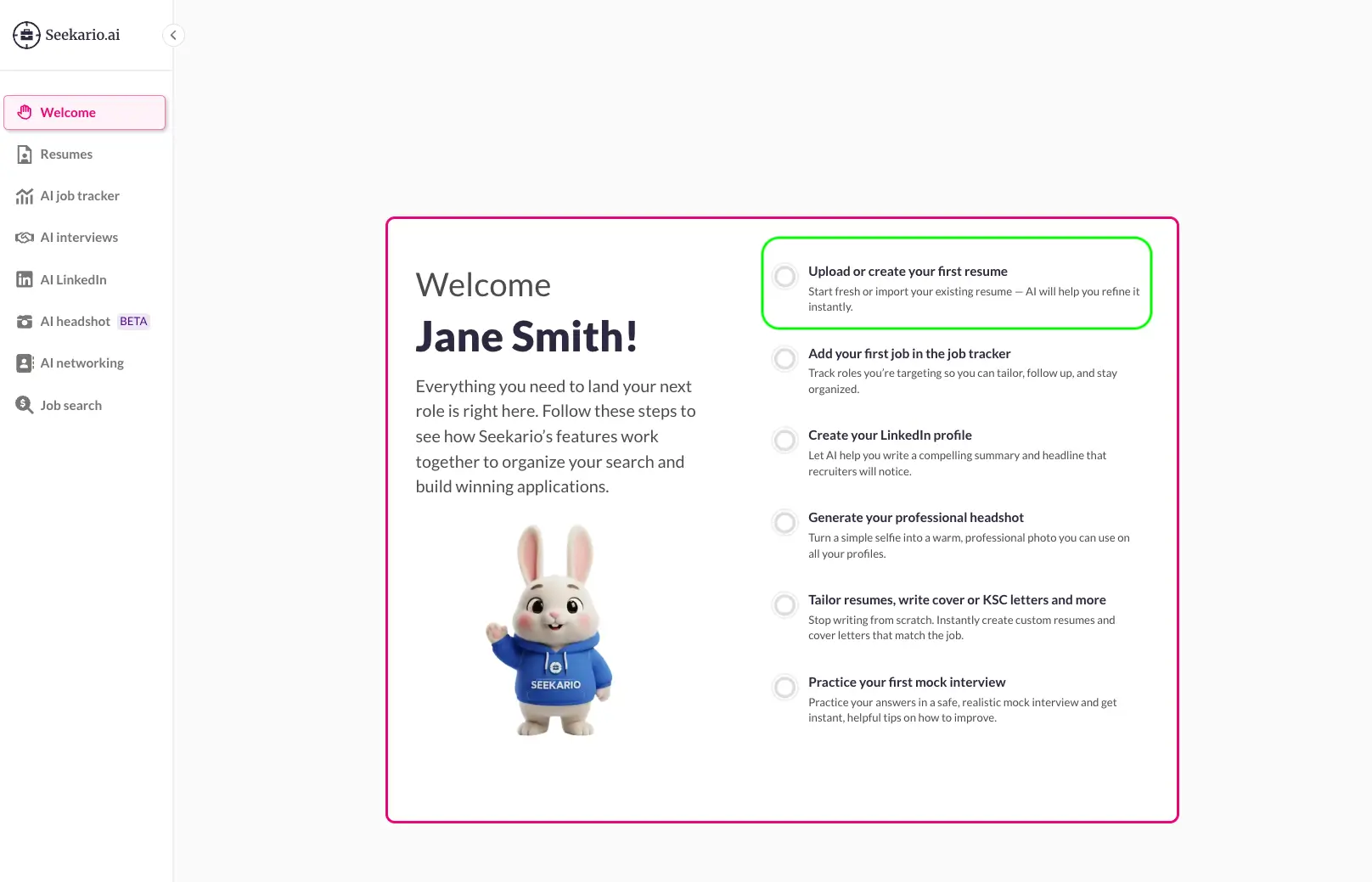
- When you log in to the Seekario app, you'll land on the Welcome page. Here, you can see the main tasks you need to do.
- Click on Upload or create your first resume to create your resume from scratch.
- A window will pop up. Choose AI Resume Builder and hit Start.
Step 2: Set Your Professional Details for Your Resume
This part is simple. We need a little context before we can write for you.
- Add Your Basic Details: This is just your name, email, phone, and any links you want to include, like your LinkedIn profile or a portfolio. Click Next.
- Add Your Seniority and Role:
- Targeted Role: Type in the job title you want, like "Data Analyst", "Marketing Coordinator", or "Software Engineer".
- Seniority Level: Choose the seniority level that best fits your experience. Click Next.
Step 3: Share Your Career Story for Your Resume
Now it's time to add your experience.
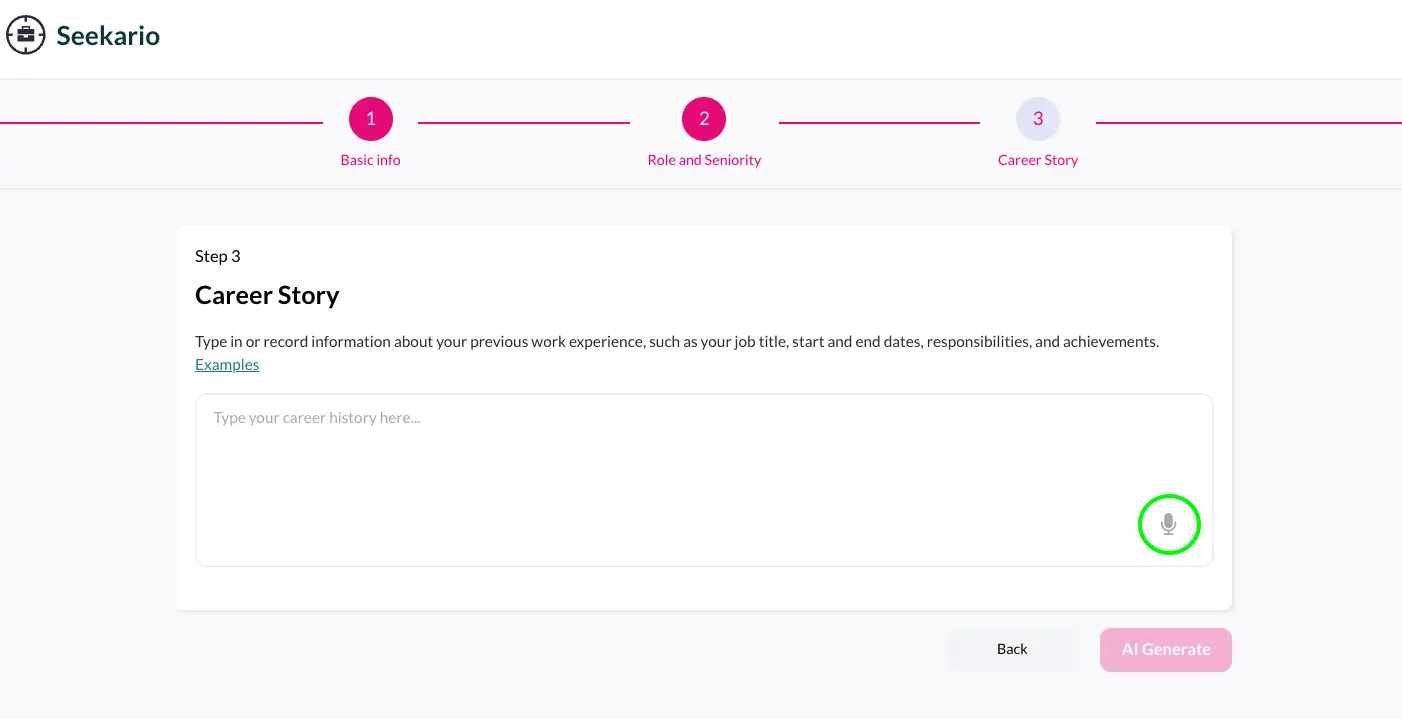
- Type or Record Your History: In the text box, describe your past experience or internships. You can either type it out or use the microphone icon to just talk about your career.
- What to Include: Make sure you mention:
- Your job title, company name, and the start and end dates you worked there.
- Your main responsibilities.
- Most importantly: Any achievements or results. (Think: "Trained 3 new team members" or "Helped increase social media engagement by x%.").
- Once you've added your career history, click AI Generate.
Step 4: Review and Download Your Resume
In a few minutes, Seekario AI Resume Builder will build your professional resume. Now, you get to be the editor.
- Review the Resume: Read through the Professional Summary, Work Experience, and Skills sections.
- Edit Anything: On the left side of the screen, you'll see panels for each section. Click one to open the editor. You can change any of the text or use the unlimited AI Rewrite button to get new suggestions. You can also add new entries or delete anything that doesn't fit.
- When you're happy with your resume, click the Downloads tab, choose a resume template you like, and download it as a Google Doc or Word file.
And that's it! 🎉
You just built a professional, ATS-friendly resume in a few minutes, a task that used to take hours, if not days. You’ll see that ‘Upload or create your first resume’ is now checked on the Welcome page, which means you’re ready to move ahead and start customizing your resume to a specific job using Seekario AI.
