How to Write a Resume in 2026: The Complete Guide

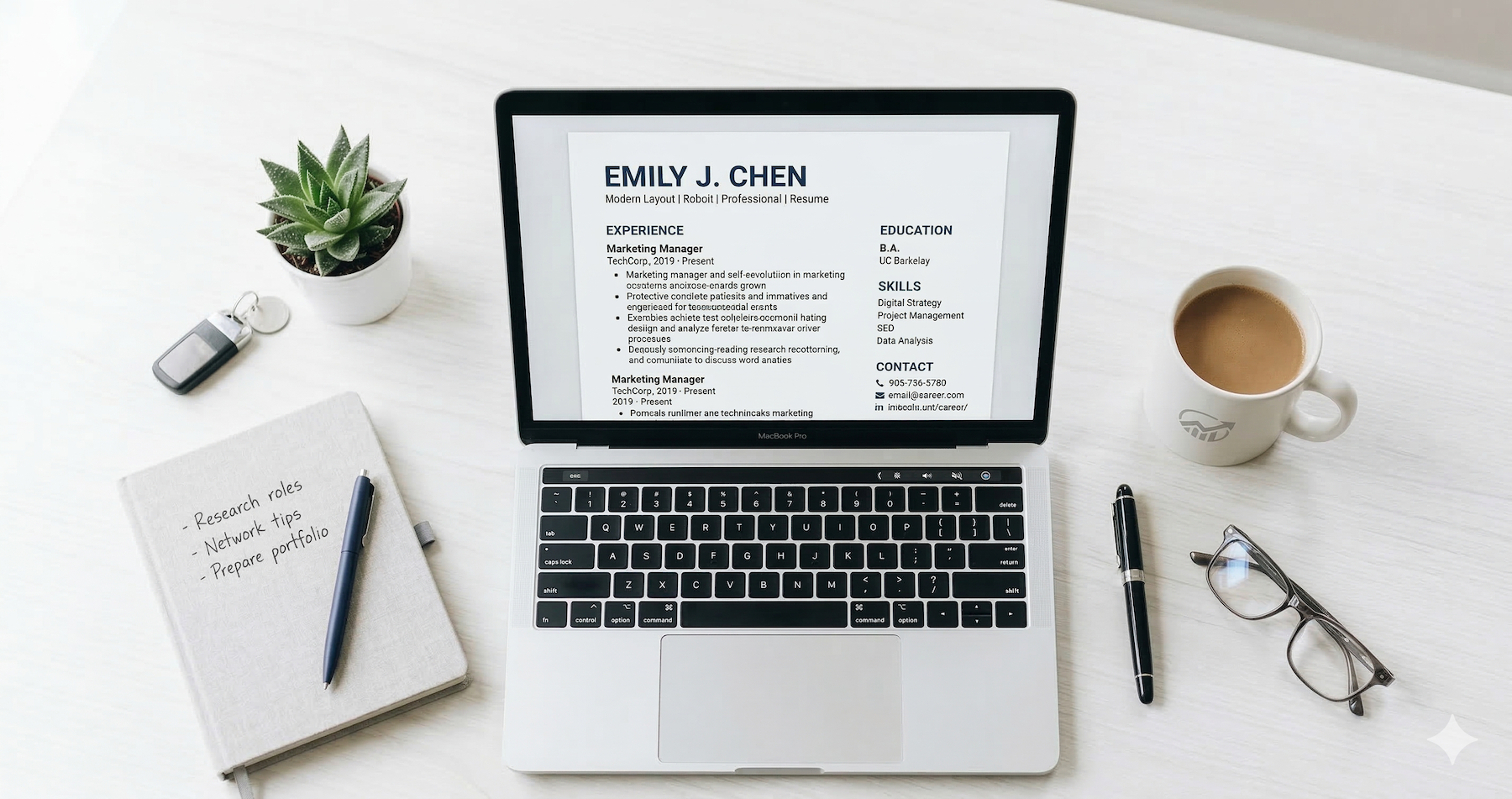
Your resume is a 7-second pitch. That's the average time a recruiter spends scanning it before deciding to keep reading — or move on. And with the average corporate job posting pulling in 250 applications, those 7 seconds matter more than ever.
The rules of resume writing have shifted. AI-powered screening tools now sit between you and the hiring manager. Skills-based hiring is replacing degree-obsessed gatekeeping. And generic, one-size-fits-all resumes get buried faster than you can hit "submit."
This guide walks you through every step of building a resume that passes automated filters and impresses real humans. Whether you're writing your first resume or overhauling one that's been collecting dust, you'll learn exactly what works right now.
Why Your Resume Still Matters in 2026
You might wonder if resumes even matter when LinkedIn profiles, portfolios, and AI tools dominate hiring conversations. Short answer: yes, they absolutely do.
Resumes remain the universal currency of job applications. Up to 90% of employers — including most Fortune 500 companies — use Applicant Tracking Systems (ATS) to filter candidates. These systems need a document to parse. That document is your resume.
Here's what the numbers tell us:
- 75% of resumes get filtered out before a human ever reads them, often due to formatting issues or missing keywords.
- Only about 3% of submitted resumes result in an interview.
- Candidates typically need to send 51 resumes before landing a job.
The difference between resumes that sink and resumes that swim comes down to structure, relevance, and smart optimization. Let's break each piece down.
Step 1: Pick the Right Resume Format
Before you write a single word, choose the format that best fits your career stage. There are three main options.
Reverse-Chronological (Best for Most People)
This is the format hiring managers prefer and ATS software handles best. It lists your most recent job first and works backward. Use it if you have a steady work history with relevant experience.
Functional (Skills-Based)
This format puts your skills front and center instead of your job timeline. It works well for career changers, recent graduates, or anyone with gaps in their employment history. The downside: some recruiters find it harder to follow, and certain ATS platforms struggle to parse it.
Combination (Hybrid)
A hybrid resume blends both approaches — leading with a skills section, then following with a chronological work history. This works well for experienced professionals who want to highlight specific expertise while still showing career progression.
The bottom line: If you're unsure, go with reverse-chronological. It's the safest bet for ATS compatibility and recruiter expectations. Tools like Seekario's AI Resume Builder can help you pick the right format based on your background and target role.
Step 2: Add Your Contact Information
This sounds obvious, but mistakes here are more common than you'd think. Place your contact details at the top of the page — in the main body of the document, not in a header or footer. Many ATS platforms can't read header/footer content.
Include these details:
- Full name (match what's on your LinkedIn)
- Phone number (one reliable number)
- Professional email address (firstname.lastname@email.com, not partyguy99@email.com)
- City and state (full street address isn't necessary)
- LinkedIn profile URL (customize it if you haven't already)
- Portfolio or personal website (if relevant to your field)
Skip personal details like age, marital status, or a headshot. They're unnecessary in most countries and can introduce bias.
Step 3: Write a Resume Summary That Hooks Readers
Recruiters skim. Fast. Your resume summary sits at the top and needs to earn those first few seconds of attention.
A strong resume summary is 2–4 sentences that answer three questions: Who are you professionally? What have you accomplished? What value do you bring to this specific role?
Good example:
> Operations manager with 8 years of experience streamlining supply chain processes for mid-market retailers. Reduced fulfillment costs by 22% and improved on-time delivery rates to 98.5%. Seeking to bring data-driven process optimization to a growing e-commerce brand.
What makes it work: It's specific, includes metrics, and targets a clear outcome.
Weak example:
> Hardworking professional seeking a challenging position where I can use my skills and grow with the company.
What makes it fail: It's vague, says nothing unique, and could apply to literally anyone.
If you're just starting out or switching careers, write a resume objective instead. Focus on your relevant skills, training, and what you aim to contribute — not what you hope to get from the job.
Need help crafting a summary that matches a specific job? Seekario's AI Resume Tailor analyzes job descriptions and generates targeted summaries that align with what employers are looking for.

Step 4: Build Your Work Experience Section
This is the section hiring managers spend the most time on — roughly 67% of their screening time goes here. Make every line count.
How to Structure Each Entry
For each role, include:
- Job title
- Company name and location
- Dates of employment (month and year)
- 3–6 bullet points describing your responsibilities and achievements
Lead With Results, Not Duties
The single biggest upgrade you can make to your resume is shifting from describing what you did to showing what you accomplished. Compare these:
- Duty-focused: "Managed social media accounts for the marketing team."
- Results-focused: "Grew Instagram following from 12K to 85K in 14 months, generating a 34% increase in website traffic from social channels."
The second version tells a story with numbers. Resumes that include hard metrics have up to a 40% higher chance of earning an interview — yet only 8% of resumes actually use numerical data.
Use Strong Action Verbs
Start each bullet point with a powerful verb. Skip overused words like "responsible for" or "helped with." Instead, try:
- Led, directed, spearheaded (for leadership)
- Increased, boosted, accelerated (for growth)
- Reduced, streamlined, eliminated (for efficiency)
- Built, launched, designed (for creation)
- Negotiated, secured, closed (for business development)
How Far Back Should You Go?
Focus on the last 10–15 years. If older roles are directly relevant, include them — but keep descriptions brief. Anything beyond 15 years can usually be summarized in a single line or left off entirely.
Step 5: Showcase Your Education
For most professionals with a few years of experience, education is a short section near the bottom. Include:
- Degree and major
- University name
- Graduation year (optional if it dates you significantly)
- Relevant honors, coursework, or GPA (only if recent and above 3.5)
If you're a recent graduate, move education higher on the page and expand it with relevant coursework, academic projects, or research.
Certifications and Professional Development
Add a separate section for certifications if they're relevant. Industry certifications often carry as much weight as degrees in fields like IT, project management, marketing, and finance. List the certification name, issuing organization, and date earned.
Step 6: Highlight the Right Skills
Skills get attention early in the screening process — 41% of recruiters look at skills first. But listing random skills without context won't help.
Hard Skills vs. Soft Skills
- Hard skills are technical, measurable abilities: Python, SQL, Google Analytics, financial modeling, Adobe Creative Suite.
- Soft skills are interpersonal strengths: leadership, communication, problem-solving, adaptability.
Both matter. In fact, 61% of employers say soft skills are just as important as hard skills. But here's the key: hard skills belong in a dedicated skills section, while soft skills should be demonstrated through your work experience bullet points rather than simply listed.
Matching Skills to the Job Description
This is where tailoring becomes critical. 54% of candidates don't customize their resume to the job description — and it costs them interviews.
Read the job posting carefully. Identify the specific skills, tools, and qualifications mentioned. Then mirror that language in your resume. If the posting says "project management" and you wrote "managing projects," change it to match.
Seekario's AI Resume Scanner can scan your resume against a job description and show you exactly which keywords you're missing and where to add them.
Step 7: Optimize for ATS (Without Losing the Human Touch)
ATS optimization is non-negotiable. But over-optimizing can backfire. Here's the balance:
Do This
- Use standard section headings: "Work Experience," "Education," "Skills" (not creative alternatives like "Where I've Made an Impact")
- Submit in .docx or PDF format (check the application instructions)
- Use a clean, single-column layout with standard fonts (Arial, Calibri, Garamond)
- Include keywords from the job description naturally throughout your resume
- Spell out acronyms at least once (e.g., "Search Engine Optimization (SEO)")
Avoid This
- Tables, text boxes, columns, or graphics that ATS can't parse
- Headers and footers for critical information
- Keyword stuffing — cramming in terms that don't reflect your actual experience
- Fancy fonts, icons, or images embedded in the document
Remember: your resume needs to satisfy the machine first and the human second. But once it reaches a person's desk, readability and authenticity win the day.

Step 8: Proofread Like Your Career Depends on It (Because It Does)
Typos kill resumes. 77% of hiring managers immediately reject resumes with spelling or grammar errors. Job seekers with 99%+ spelling accuracy get hired nearly three times more often than those with lower accuracy.
Here's a proofreading checklist:
- Read your resume aloud — you'll catch awkward phrasing that your eyes skip over.
- Use spell-check, but don't rely on it alone.
- Check dates, company names, and job titles for consistency.
- Have someone else review it with fresh eyes.
- Print it out — errors are easier to spot on paper.
Advanced Tips for 2026
Use AI as a Tool, Not a Crutch
An MIT Sloan study found that AI-assisted resumes boost hiring chances by 8% and lead to 7.8% more job offers on average. The key is using AI to polish, organize, and optimize — not to generate generic, cookie-cutter content.
Use AI tools to tailor your resume to specific job descriptions, identify missing keywords, and improve phrasing. Then review everything to make sure it sounds like you.
Seekario's AI Resume Builder helps you create a polished, ATS-optimized resume while keeping your authentic voice. It analyzes job descriptions and suggests specific improvements rather than rewriting your experience from scratch.
Quantify Everything You Can
Numbers give your resume credibility. Whenever possible, add figures:
- Revenue generated or costs saved
- Team sizes managed
- Percentage improvements
- Project timelines and budgets
- Customer satisfaction scores
Even if you don't have exact numbers, reasonable estimates are better than vague descriptions. "Trained approximately 30 new hires over 6 months" beats "Trained new employees."
Include a Projects or Volunteer Section (If Relevant)
If you're early in your career, changing fields, or have gaps to address, a projects section can fill the space meaningfully. Include personal projects, freelance work, hackathon participation, open-source contributions, or significant volunteer roles. Treat each entry like a mini work experience listing — title, organization, dates, and bullet points with results.
Resume Length: One Page or Two?
The one-page rule isn't absolute. Here's a practical guide:
- One page: Entry-level candidates, recent graduates, professionals with fewer than 10 years of experience
- Two pages: Senior professionals, executives, academics, or anyone in a field where detailed project histories matter
The real rule: every line should earn its spot. If you're stretching to fill a second page with filler, cut it. If you're cramming critical experience into one page by shrinking fonts to 8pt, let it breathe across two.
73% of recruiters will read a longer resume if it contains relevant results. Length matters less than substance.
FAQ
How long should my resume be in 2026?
One page is ideal for most job seekers with under 10 years of experience. Two pages are acceptable for senior professionals. The key is relevance — every line should demonstrate value for the specific role you're targeting.
Should I use an AI resume builder?
AI tools can significantly improve your resume quality and save time. Studies show AI-assisted resumes lead to 8% more hires. The best approach is to use AI for optimization and tailoring while maintaining your authentic voice and verifying all content for accuracy.
What resume format do employers prefer in 2026?
Reverse-chronological is the most preferred format among recruiters and the most ATS-compatible. Use a functional or hybrid format only if you have specific reasons, like a career change or employment gaps.
Do I need a different resume for every job application?
Yes — or at least a tailored version. 83% of recruiters say they're more likely to hire candidates who customize their resume for the specific job. Focus on adjusting your summary, skills, and bullet points to match each job description's language and priorities.
What's the most common resume mistake?
Failing to tailor the resume to the job description. 54% of candidates submit the same generic resume for every application. Other frequent mistakes include typos, missing keywords, vague bullet points without metrics, and poor formatting that confuses ATS software.
Start Building Your Resume Today
Writing a resume that gets interviews in 2026 comes down to three things: clear structure, relevant content, and smart optimization. Follow the steps in this guide, back up your experience with real numbers, and tailor every application to the specific role.
If you want to speed up the process without sacrificing quality, Seekario's AI Resume Builder can help. It creates ATS-optimized resumes tailored to specific job descriptions — so you spend less time formatting and more time preparing for interviews.
Try Seekario's AI Resume Builder for free →


