Jobscan Alternatives: 7 Better (and Cheaper) Tools for 2026

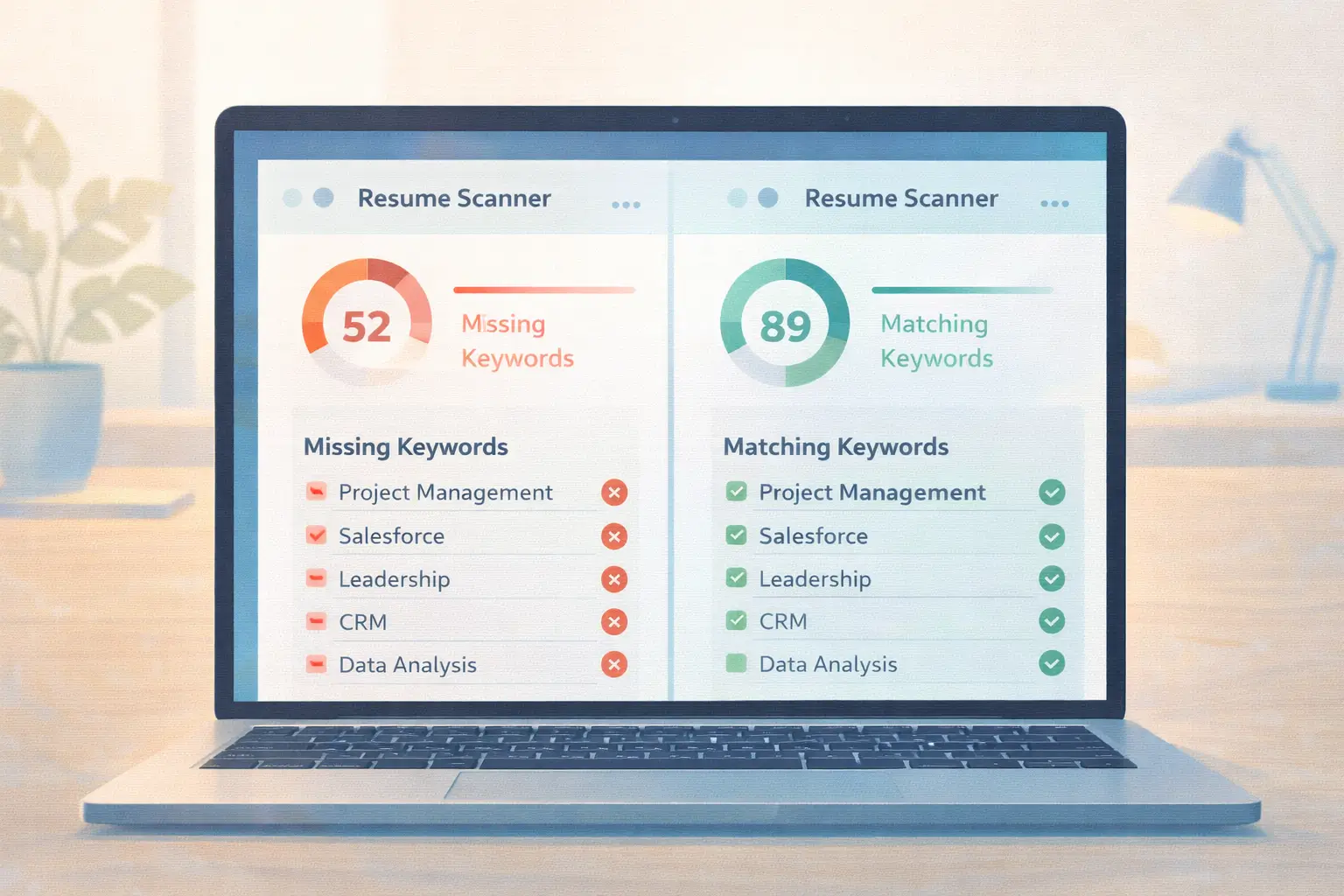
Jobscan pioneered the idea of scanning your resume against a job description to find keyword gaps. When it launched, that was revolutionary. But the resume optimization space has exploded since then, and paying close to $50 per month for what amounts to a keyword comparison tool no longer makes sense for most job seekers — especially when several alternatives offer the same core feature for free.
If you've been using Jobscan or thinking about signing up, this breakdown will help you find a tool that fits your needs and budget better. We tested each alternative hands-on, comparing features, accuracy, pricing, and ease of use.
What Jobscan Does (and Where It Falls Short)
Jobscan's core feature is straightforward: you paste in your resume and a job description, and it shows you a match percentage along with missing keywords. It also checks for basic formatting issues that could trip up ATS software.
Here's where things get frustrating:
Pricing is steep. The free plan gives you just 5 scans per month. To unlock unlimited scans and advanced features, you'll pay $49.95 per month. For someone applying to 20 or 30 jobs — which is typical in a serious job search — five free scans barely scratches the surface.
It's mostly keyword matching. Jobscan's analysis focuses heavily on whether specific words from the job description appear in your resume. That's useful, but modern ATS systems evaluate far more than keywords — they look at formatting, section structure, skills context, and content quality.
No resume building or tailoring. Jobscan tells you what's wrong but doesn't fix it for you. You need to manually adjust your resume each time, which is time-consuming when you're applying at scale.
Limited AI capabilities. Compared to newer tools that use AI to rewrite bullet points, generate tailored content, and optimize entire resumes automatically, Jobscan's feature set feels dated.
The 7 Best Jobscan Alternatives for 2026
1. Seekario — Best All-in-One AI Resume Platform
Seekario takes a fundamentally different approach from Jobscan. Instead of just scanning your resume and showing you a score, Seekario uses AI to actually build, tailor, and optimize your resume for each specific job.
What sets it apart:
- AI Resume Assessment analyzes your resume against any job description, scoring it on keyword match, formatting, content strength, and ATS compatibility — going well beyond Jobscan's keyword-only approach. Try it at Seekario's AI Resume Scanner.
- AI Resume Tailor doesn't just flag missing keywords — it rewrites your resume to match the job description while keeping your voice and experience authentic. See how it works at Seekario's AI Resume Tailor.
- Full job search ecosystem including an AI Cover Letter Generator, AI Interview Prep, Job Search tool, and a Job Tracker to manage your entire application pipeline.
- AI Resume Builder creates polished, ATS-optimized resumes from scratch. Build one at Seekario's AI Resume Builder.
Pricing: Free tier available with generous limits. Premium plans are significantly cheaper than Jobscan's $49.95/month.
Best for: Job seekers who want one platform to handle everything — from resume building to interview prep — instead of juggling five different tools.
2. Teal — Best Free Resume Keyword Matcher
Teal has built a strong following by offering a generous free tier that includes unlimited resumes, job tracking, and basic keyword matching. It's the closest thing to a free Jobscan replacement.
What it offers:
- Resume builder with keyword matching against job descriptions
- Job tracking and application management
- LinkedIn profile analysis
- Work style assessment and career coaching content
Where it falls short: The free tier covers basics, but advanced keyword analysis and AI resume writing require Teal+, which starts at roughly $9 per week. The resume optimization isn't as deep as AI-powered tools — it highlights gaps but doesn't rewrite content for you.
Pricing: Free tier available. Teal+ from ~$9/week.
Best for: Job seekers who want a solid free tool for keyword matching and job tracking but don't need AI-powered resume rewriting.
3. SkillSyncer — Best Budget-Friendly Scanner
If you specifically want Jobscan's scan-and-score experience but at a fraction of the price, SkillSyncer delivers. It offers keyword matching, match scoring, ATS checking, and AI-powered optimization tips at $14.95 per month — roughly 70% less than Jobscan.
What it offers:
- Resume-to-job-description keyword matching
- ATS compatibility scoring
- AI-generated bullet point suggestions
- Unlimited scans on paid plans
Where it falls short: The interface isn't as polished as some competitors, and it doesn't include job tracking, cover letter generation, or interview prep features. It's purely a scanning tool.
Pricing: $14.95/month with a free trial available.
Best for: Job seekers who want the traditional scan-and-score format without paying Jobscan prices.
4. Resume Worded — Best for Learning to Write Better
Resume Worded takes a unique educational approach. Rather than just flagging missing keywords, it teaches you how to write stronger bullet points by showing you 250+ examples from resumes that landed jobs at top companies like Google, Goldman Sachs, and McKinsey.
What it offers:
- Resume scoring across 30+ criteria (not just keywords)
- LinkedIn profile optimization
- Sample bullet points from successful resumes
- Detailed feedback on impact, brevity, and action verb usage
Where it falls short: It doesn't include a resume builder, cover letter generator, or job tracker. It's focused exclusively on resume and LinkedIn analysis. The AI features are less robust than platforms like Seekario.
Pricing: Free basic scoring. Premium plans from ~$19/month.
Best for: Job seekers who want to genuinely improve their resume writing skills, not just optimize keywords.
5. Upplai — Best for Transparency
Most AI resume tools are black boxes — you get a score but no explanation of how it was calculated. Upplai takes the opposite approach, showing you exactly what changes were made to your resume and why.
What it offers:
- 200 free ATS scans per month (compared to Jobscan's 5)
- Transparent optimization that explains every change
- Pay-per-resume pricing after the free tier
- Detailed ATS compatibility reports
Where it falls short: It's still primarily a scanner, not a full resume platform. No job tracking, interview prep, or cover letter features.
Pricing: Free for 200 scans/month. Then $0.50–$1.00 per resume.
Best for: Job seekers who want to understand exactly why their resume is or isn't working, and who apply to lots of positions.
6. CVCraft — Best Free Unlimited Scanner
If your primary concern is cost and you want unlimited ATS scans with no paywall, CVCraft is the clear winner. It checks your resume against algorithms used by all major ATS platforms — Taleo, Workday, Greenhouse, iCIMS, Lever, and BambooHR — across 30+ compatibility criteria.
What it offers:
- Unlimited free ATS scans
- Compatibility checks for multiple ATS platforms
- 30+ criteria analysis (beyond just keywords)
- Clean, straightforward interface
Where it falls short: The AI capabilities are more limited than premium tools. No resume building, cover letter generation, or job search features.
Pricing: Free with unlimited scans.
Best for: High-volume applicants who need to scan frequently and don't want to worry about scan limits.
7. Kickresume — Best for Templates and Design
Kickresume combines AI-powered content generation with a large library of customizable resume templates. If you care about how your resume looks — not just whether it passes ATS — Kickresume offers a strong balance.
What it offers:
- AI content generation for bullet points and summaries
- 35+ professionally designed resume templates
- Resume checker and ATS analysis
- Cover letter builder and personal website builder
Where it falls short: At $24/month, it's cheaper than Jobscan but still a meaningful expense. The ATS scanning isn't as detailed as dedicated scanner tools. Template-heavy resumes can sometimes cause ATS issues.
Pricing: Free limited tier. Premium from $24/month.
Best for: Job seekers who want a visually polished resume and are willing to pay for design quality alongside basic ATS optimization.
Feature Comparison: Jobscan vs. the Alternatives
Here's how each tool stacks up across the features that matter most:
How to Choose the Right Tool
The best Jobscan alternative depends on where you are in your job search:
If you want everything in one platform: Seekario covers resume building, tailoring, assessment, cover letters, interview prep, and job tracking. You won't need to switch between multiple tools.
If budget is your top priority: CVCraft and Upplai offer unlimited or near-unlimited free scanning. For a full free solution including resume building, Teal's free tier is generous.
If you want to become a better resume writer: Resume Worded's educational approach teaches you transferable skills you'll use throughout your career.
If you just want a cheaper Jobscan: SkillSyncer gives you the same scan-and-score format at 70% less cost.
If design matters to you: Kickresume's template library is the strongest, though watch out for ATS compatibility with heavily designed resumes.
FAQ
Is Jobscan worth $50 a month in 2026?
For most job seekers, no. Jobscan's core feature — keyword matching against a job description — is available for free or much cheaper through multiple alternatives. The $49.95/month price point made sense when Jobscan was the only option, but the market has caught up.
What's the best free alternative to Jobscan?
It depends on what you need. CVCraft offers unlimited free ATS scans. Teal provides free resume building and basic keyword matching. Upplai gives you 200 free scans per month with transparent reporting. For a complete platform with free access, Seekario offers ATS assessment, resume tailoring, and more.
Do I really need a resume scanner tool?
If you're applying to jobs online, yes. Over 90% of large employers use ATS software to screen resumes before a human sees them. A scanner helps you identify missing keywords and formatting issues that could get your resume filtered out automatically.
Can these tools replace professional resume writers?
AI-powered tools like Seekario come close, especially for standard applications. They can tailor your resume to specific jobs, optimize keywords, and improve bullet point impact. For senior executive positions or highly specialized roles, a professional writer may still add value — but for most job seekers, an AI tool is faster, cheaper, and often just as effective.
How many times should I scan my resume before applying?
Aim for a match score of at least 75-80% against the job description. Most job seekers scan two or three times — once to identify gaps, once after making changes, and a final check before submitting. With free or unlimited scanning tools, there's no reason to limit yourself.
The Bottom Line
Jobscan helped create the resume scanning category, and it still works. But paying $49.95 per month for keyword matching is hard to justify when the alternatives offer the same feature for free — and many of them go further with AI-powered rewriting, resume building, and comprehensive job search tools.
If you're looking for a single platform that handles your entire job search workflow — from building and tailoring your resume to preparing for interviews and tracking applications — Seekario gives you everything Jobscan does and far more, at a fraction of the cost. Start with a free resume assessment to see how your current resume scores, then use the AI tools to close any gaps before you hit "apply."