Resume Keywords: How to Find and Use the Right Ones


Here's a frustrating reality: you could be perfectly qualified for a job and still never get an interview. Not because your experience is lacking, but because your resume doesn't contain the right keywords.
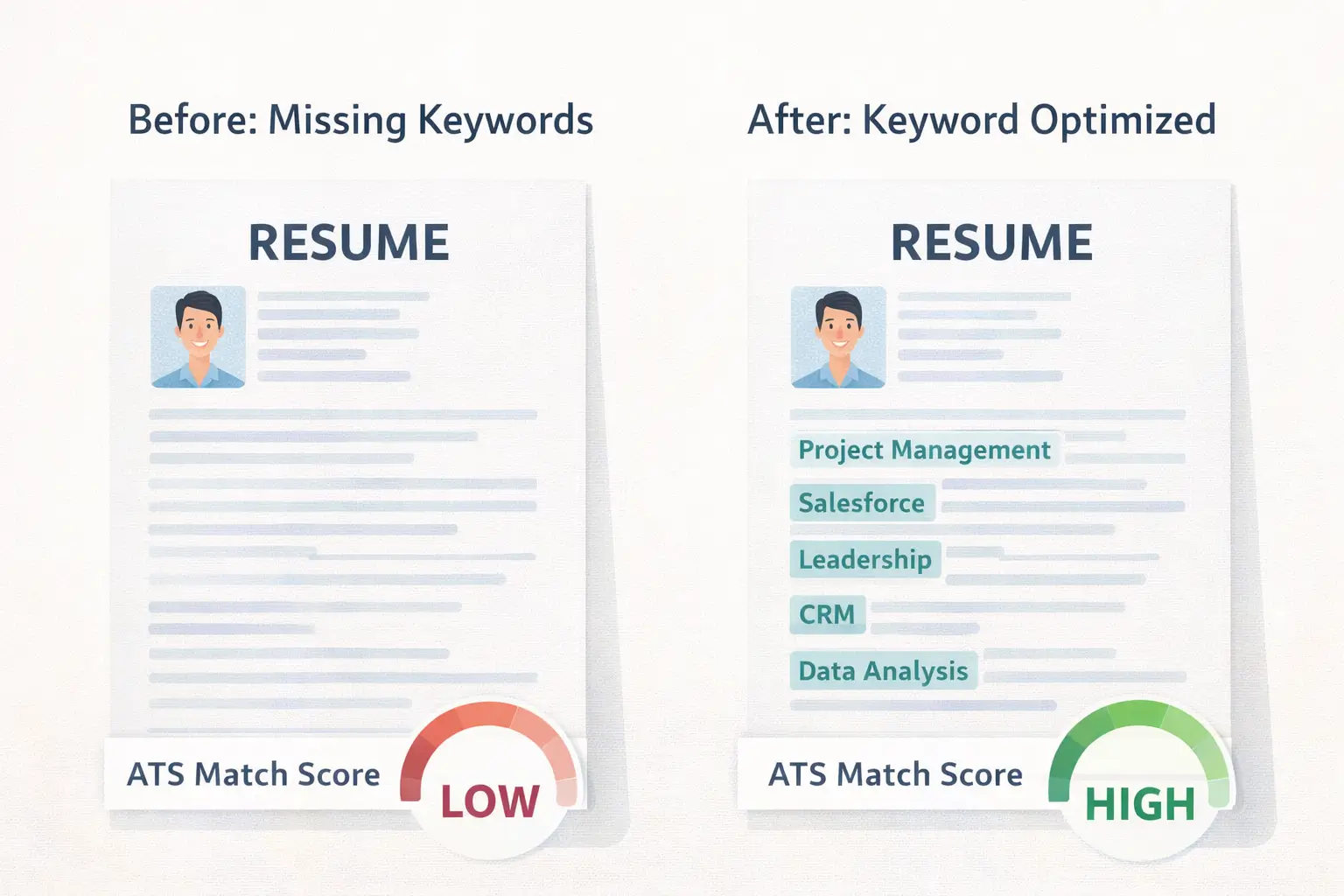
Most companies use Applicant Tracking Systems (ATS) to filter resumes before a human ever sees them. These systems scan for specific words and phrases that match the job posting. If your resume doesn't include those terms, it gets filtered out — no matter how strong your background is.
The good news? Finding and using the right resume keywords isn't guesswork. It's a skill you can learn in about 15 minutes. This guide shows you exactly how.
What Are Resume Keywords?
Resume keywords are specific words and phrases that describe the skills, qualifications, tools, and experience an employer is looking for. They come directly from the job posting and fall into several categories:
Hard skills — Technical abilities and tools you've used. Examples: Python, financial modeling, Salesforce, project management, SQL, Adobe Creative Suite.
Soft skills — Interpersonal and workplace abilities. Examples: leadership, collaboration, problem-solving, communication, time management.
Job titles — The role name and related titles. Examples: Marketing Manager, Data Analyst, Senior Software Engineer.
Certifications and credentials — Professional qualifications. Examples: PMP, CPA, AWS Certified, Google Analytics Certified.
Industry terms — Jargon specific to your field. Examples: agile methodology, supply chain optimization, regulatory compliance, content strategy.
Each job posting has a unique combination of these keywords based on what that specific employer programmed their ATS to find. A generic resume misses job-specific terms and gets filtered out before a recruiter ever opens it.
How ATS Systems Use Keywords in 2026
ATS technology has evolved significantly. Modern systems from platforms like Greenhouse, Workday, and Lever go beyond simple keyword matching. They now use natural language processing and semantic analysis to evaluate resumes.
Here's what that means for you:
Keyword presence still matters. If a job posting asks for "project management" experience and those words don't appear on your resume, you're at a disadvantage.
Placement matters too. Keywords in your resume summary, job titles, and recent roles carry more weight than keywords buried at the bottom of a skills list.
Context matters most. A keyword inside a bullet point that shows how you used a skill with measurable results scores higher than the same keyword sitting in a plain list. "Managed project timelines using Asana, delivering 12 projects on time over 6 months" outperforms "Asana" listed under skills with no context.
Keyword stuffing gets caught. Repeating the same term five times or hiding white text on your resume doesn't work anymore. Modern ATS systems detect these tricks and may flag or penalize your application.
The takeaway: use the right keywords, put them in the right places, and back them up with evidence.
How to Find the Right Keywords for Any Job
Finding keywords is straightforward once you know where to look. Follow this four-step process for every application.
Step 1: Dissect the Job Description
The job posting is your keyword goldmine. Read it carefully — not skimming, actually reading — and highlight every skill, tool, qualification, and responsibility mentioned.
Pay extra attention to:
- Requirements listed as "must-have" or "required" — These are non-negotiable keywords.
- Terms that appear more than once — Repetition signals priority. If "cross-functional collaboration" shows up three times, the employer cares deeply about it.
- The job title itself — According to hiring data, candidates who include the exact job title on their resume are significantly more likely to pass ATS screening.
Step 2: Check Related Job Postings
Look at 3–5 similar job postings from different companies. Keywords that appear across multiple listings are industry-standard terms that you should include regardless of the specific posting.
For example, if you're applying for a Digital Marketing Manager role and every posting mentions "SEO," "Google Analytics," "content strategy," and "paid media," those are baseline keywords for your resume.
Step 3: Review the Company's Career Page and LinkedIn
Company career pages often reveal the language an organization uses internally. If they call it "people operations" instead of "HR" or "growth marketing" instead of "digital marketing," mirror that terminology.
Also check LinkedIn profiles of people currently in similar roles at the company. The skills and terms they use can give you additional keyword ideas.
Step 4: Use a Keyword Analysis Tool
Manual keyword research works, but tools speed up the process. Seekario's AI Resume Scanner compares your resume against any job description and identifies missing keywords, giving you a clear list of terms to add. This takes the guesswork out of optimization and helps you catch keywords you might overlook.

Where to Place Keywords on Your Resume
Knowing the right keywords is half the battle. Placing them strategically is the other half.
Resume Summary or Professional Profile
This is the first section recruiters and ATS systems read. Include your target job title, 2–3 core hard skills, and one notable achievement.
Example: "Senior Data Analyst with 6 years of experience in SQL, Python, and Tableau. Built automated reporting pipelines that reduced manual analysis time by 60% for a team of 15 analysts."
Skills Section
List your hard skills using the exact terminology from the job posting. If the posting says "Microsoft Excel," write "Microsoft Excel" — not "spreadsheets" or "MS Office."
Organize skills into logical groups:
- Programming: Python, SQL, R, JavaScript
- Tools: Tableau, Power BI, Google Analytics, Salesforce
- Methodologies: Agile, Scrum, Six Sigma, A/B Testing
Work Experience Bullets
This is where keywords have the most impact because they're paired with context and results. Don't just list skills — show how you used them.
Weak: "Responsible for data analysis."
Strong: "Conducted data analysis using SQL and Python to identify customer churn patterns, resulting in a targeted retention campaign that reduced churn by 18%."
Education and Certifications
Include relevant coursework, certifications, and credentials using their official names. "AWS Certified Solutions Architect" is a keyword. "Cloud certification" is too vague.
Job Titles
If your actual title at a company was different from the role you're applying for, consider adding a parenthetical clarification: "Marketing Specialist (Digital Marketing Manager equivalent)." This helps both ATS systems and humans understand your experience level.
How Many Keywords Should You Include?
There's no magic number, but most career experts suggest 15 to 25 relevant keywords per tailored resume. This range demonstrates expertise without looking like keyword stuffing.
Here's a practical breakdown:
- 5–8 hard skills (tools, technologies, methodologies)
- 3–5 soft skills (backed by examples, not just listed)
- 2–3 certifications or credentials (if relevant)
- 2–3 job title variations (current title, target title, industry terms)
- 3–5 industry-specific terms (processes, frameworks, compliance standards)
The key word here is *relevant*. Only include keywords that honestly reflect your experience. Claiming skills you don't have will backfire during interviews or on the job.
If you're unsure whether your keyword coverage is sufficient, Seekario's AI Resume Tailor analyzes your resume against a specific job posting and shows exactly which keywords you're missing and where to add them.
Resume Keywords by Industry
Different industries prioritize different types of keywords. Here's what hiring managers typically scan for in common fields:
Technology
Hard skills dominate: programming languages (Python, Java, JavaScript), frameworks (React, Django, Node.js), cloud platforms (AWS, Azure, GCP), and methodologies (Agile, CI/CD, DevOps). Include specific version numbers or tools when relevant — "PostgreSQL" is better than "database management."
Marketing
A blend of creative and analytical skills: SEO, content strategy, Google Analytics, paid media (Google Ads, Meta Ads), email marketing, CRM tools (HubSpot, Marketo), and conversion rate optimization. Data-driven marketers should also include terms like A/B testing, attribution modeling, and marketing automation.
Finance
Certifications carry heavy weight: CPA, CFA, Series 7/63. Technical keywords include financial modeling, forecasting, variance analysis, GAAP compliance, and tools like Bloomberg Terminal, SAP, or QuickBooks. Risk management and regulatory compliance are recurring terms.
Healthcare
Compliance and patient care keywords are essential: HIPAA, EMR/EHR systems (Epic, Cerner), patient assessment, care coordination, clinical documentation, and relevant licenses (RN, BSN, NP). Quality improvement and evidence-based practice are strong secondary keywords.
Project Management
Methodology keywords lead: Agile, Scrum, Waterfall, Lean, Six Sigma. Include tools like Jira, Asana, Monday.com, and Microsoft Project. Certifications like PMP, PRINCE2, or Certified ScrumMaster are high-value keywords.
Common Keyword Mistakes That Hurt Your Resume
Mistake 1: Using Synonyms Instead of Exact Terms
ATS systems are getting smarter, but exact match still matters. If the posting says "customer relationship management," don't write "client liaison." Use the same language the employer uses.
Mistake 2: Keyword Stuffing
Repeating "project management" seven times doesn't help. Modern ATS systems detect unnatural repetition and may penalize your resume. Use each keyword 1–2 times in meaningful contexts.
Mistake 3: Listing Keywords Without Context
A skills section is useful, but a standalone list of 30 keywords without supporting evidence in your work experience won't impress recruiters or ATS algorithms. Keywords need to appear within achievement statements to carry full weight.
Mistake 4: Using the Same Resume for Every Application
A generic resume misses the specific keywords each employer is looking for. Tailoring your resume for each job takes extra time, but it dramatically increases your chances of passing ATS screening.
Mistake 5: Ignoring Soft Skills
Many candidates focus exclusively on hard skills. But job postings frequently include soft skill requirements like "strong communication," "team leadership," or "attention to detail." Include these — but always with evidence, not as standalone adjectives.
A Step-by-Step Keyword Optimization Checklist
Use this checklist every time you tailor a resume for a new application:
- Read the full job description and highlight every skill, tool, qualification, and responsibility.
- Identify the top 5 priority keywords — usually the ones repeated most or listed first.
- Check your resume summary — does it include the job title and at least 2 priority keywords?
- Scan your skills section — do your listed skills use the exact terminology from the posting?
- Review your work experience bullets — is each priority keyword supported by a specific accomplishment?
- Look for missing certifications or tools — add any relevant ones you genuinely possess.
- Run a keyword comparison — Use Seekario's AI Resume Assessment to identify any gaps you missed manually.
- Read it out loud — If the keywords sound forced or unnatural, rewrite the sentence until it flows naturally.
FAQ
What are ATS keywords on a resume?
ATS keywords are specific terms — skills, tools, certifications, and job titles — that Applicant Tracking Systems scan for when filtering resumes. These keywords come from the job description and determine whether your resume makes it to a human reviewer. Including the right ATS keywords significantly increases your chances of getting past automated screening.
How do I find keywords in a job description?
Read the job description carefully and highlight specific skills, tools, certifications, qualifications, and responsibilities mentioned. Pay special attention to terms that appear more than once, items listed as "required," and the exact job title. Cross-reference with similar job postings from other companies to identify industry-standard terms.
How many keywords should I put on my resume?
Aim for 15 to 25 relevant keywords per tailored resume. This should include a mix of hard skills, soft skills, certifications, job titles, and industry terms. Focus on quality and natural placement rather than quantity. Every keyword should honestly reflect your experience and appear within meaningful context on your resume.
Should I use the exact words from the job posting?
Yes, whenever possible. ATS systems match your resume text against the job description, and exact matches score higher than synonyms. If the posting says "data visualization," use that exact phrase rather than "creating charts" or "visual analytics." Mirror the employer's language to maximize your match rate.
Can keyword optimization replace strong experience?
No. Keywords get your resume past ATS filters, but hiring managers evaluate the substance behind those keywords. A resume full of the right terms but lacking genuine accomplishments and measurable results won't lead to job offers. The best approach combines strategic keyword placement with compelling evidence of your skills in action.
Conclusion
Resume keywords aren't a hack or a trick. They're how you translate your real experience into the language employers are actually searching for.
The process is simple: read the job description closely, extract the specific terms they use, and weave those terms naturally throughout your resume with supporting evidence and results.
If you want to speed up the process and make sure you're not missing critical keywords, Seekario's AI Resume Scanner analyzes your resume against any job description in seconds. It highlights exactly which keywords you need, where to place them, and how well your current resume matches — so you can stop guessing and start landing interviews.