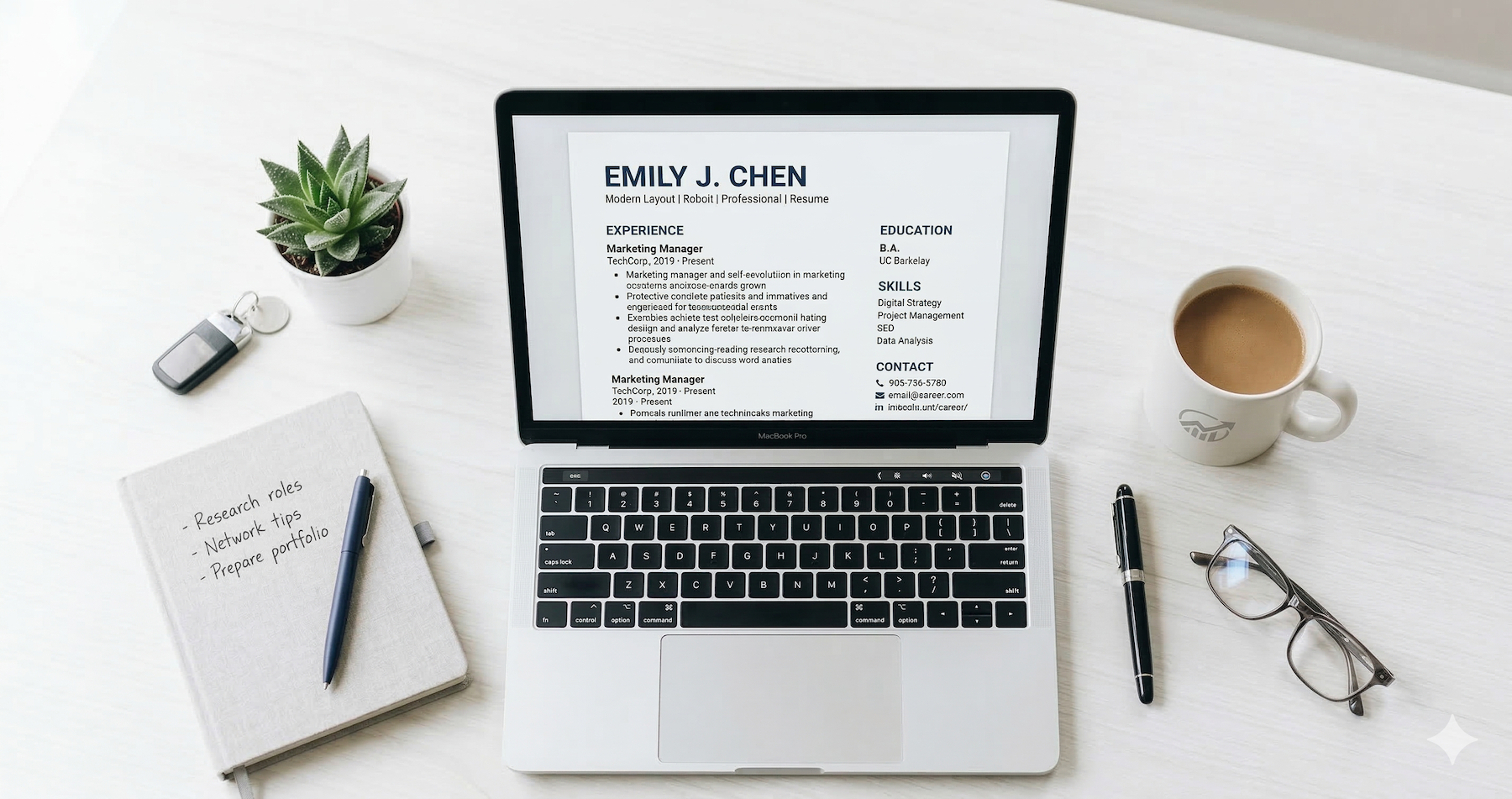
10 Best Resume Builders Compared (Free and Paid) for 2026


Picking a resume builder shouldn't feel like a job in itself. But with dozens of tools flooding the market — each claiming to be "the best" — figuring out which one actually delivers can eat hours you'd rather spend applying.
Here's the problem: most resume builders look great on the surface. Slick templates, promises of ATS optimization, maybe some AI sprinkled on top. Then you finish building your resume and hit a paywall just to download it. Or worse, the formatting breaks the second a recruiter opens the file.
I tested 10 of the most popular resume builders in 2026, evaluating them on template quality, ATS compatibility, AI features, ease of use, and pricing transparency. Whether you're a recent grad building your first resume or a senior professional refreshing yours, this comparison will help you pick the right tool without wasting time or money.
What Makes a Good Resume Builder?
Before jumping into the list, it helps to know what separates a useful tool from a flashy one that wastes your time.
ATS compatibility is non-negotiable. Between 75% and 90% of companies use applicant tracking systems to screen resumes before a human ever sees them. If your resume builder uses fancy layouts that ATS software can't parse — columns, text boxes, headers in the wrong format — your application goes straight to the digital trash.
Template quality matters more than template quantity. You need clean, professional designs that work across industries. Ten well-designed templates beat 500 cluttered ones.
AI features have become a real differentiator in 2026. The best tools now help you write bullet points, tailor content to specific job descriptions, and score your resume against ATS criteria — all in real time.
Pricing transparency is where many tools fail. Several builders let you create a resume for free, then charge you to download it. That bait-and-switch wastes time and creates frustration.
Export options round out the list. You need to download your resume as a PDF (the universal standard) without watermarks or formatting issues.
The 10 Best Resume Builders for 2026, Ranked
Here's how each tool stacks up after hands-on testing.
1. Seekario — Best for AI-Powered Resume Tailoring
Seekario's AI Resume Builder takes a different approach than most tools on this list. Instead of starting with templates and adding AI as an afterthought, Seekario built its entire platform around intelligent resume optimization.
The standout feature is the AI Resume Tailor, which analyzes a job description and restructures your resume to match — adjusting keywords, reordering bullet points, and highlighting the most relevant experience. It goes beyond simple keyword stuffing. The AI understands context and matches your skills to what the role actually requires.
The AI Resume Scanner tool gives you a detailed score with specific, actionable feedback. Unlike generic "your resume scores 65%" tools, Seekario breaks down exactly what to fix and why.
Pricing: Free tier available with core features. Premium plans unlock unlimited tailoring and advanced analytics.
Best for: Job seekers who apply to multiple roles and need to customize each resume quickly.
2. Teal — Best for Job Search Organization
Teal has built a reputation as more than just a resume builder. Its integrated job tracker lets you bookmark postings, manage application stages, and keep notes — all alongside your resume.
The resume builder itself is solid. It pulls content from your profile and suggests improvements. The AI features help you write bullet points and professional summaries. Templates are clean and ATS-friendly, though the selection is more limited than some competitors.
Where Teal falls short is that many of its best features — including the AI writing tools and unlimited resume saves — sit behind the premium plan at roughly $9 per week.
Pricing: Free basic plan. Premium is $9/week (billed monthly).
Best for: Job seekers who want to manage their entire search — tracking, applications, and resume building — in one dashboard.
3. Rezi — Best for ATS Scoring
Rezi was one of the first builders to focus specifically on ATS optimization, and it still does this better than most. The real-time ATS scoring feature gives you immediate feedback as you edit, showing exactly how your resume will perform in automated screening.
The AI content suggestions are useful but occasionally generic. Templates are functional rather than beautiful — designed primarily for ATS readability, which is arguably the right priority.
One frustration: the line between free and paid features isn't always clear. You might start building with one feature only to discover it requires an upgrade halfway through.
Pricing: Limited free plan. Pro plans start around $29/month.
Best for: Job seekers laser-focused on getting past ATS screening.
4. Kickresume — Best Template Variety
If design matters to you, Kickresume delivers. It offers one of the largest template libraries among resume builders, with options ranging from traditional corporate layouts to creative designs for portfolios.
The AI writing assistant can generate resume content based on your job title and industry, which speeds up the drafting process. The builder interface is intuitive, and the finished products look polished.
The downside is that some of the more visually striking templates may not parse well through ATS systems. If you're applying to large corporations, stick with Kickresume's simpler layouts.
Pricing: Free basic plan (limited downloads). Premium from $5/month (billed annually).
Best for: Creative professionals or anyone who wants maximum design flexibility.
5. Enhancv — Best for Content Coaching
Enhancv focuses on helping you write better, not just format better. Its content analyzer evaluates your bullet points for impact, suggesting ways to add measurable achievements and stronger action verbs.
The builder walks you through each section with prompts and examples, making it particularly helpful for people who struggle with self-promotion. Templates strike a good balance between visual appeal and ATS readability.
Pricing: Free trial available. Plans start at $19.99/month.
Best for: Job seekers who know their experience is strong but struggle to put it into words.
6. Resume Genius — Best for Beginners
Resume Genius makes resume building as painless as possible. The step-by-step wizard asks you questions and fills in your resume based on your answers. You don't need to stare at a blank page — the tool guides you through every section.
The pre-written content suggestions, organized by job title, give you a starting point to customize. With over 43,000 Trustpilot reviews and a 4.5/5 rating, user satisfaction is high.
The catch: building your resume is free, but downloading it requires a paid subscription. The pricing isn't always upfront, which has drawn criticism.
Pricing: Free to build. Paid download required (14-day trial available, then ~$7.95/month).
Best for: First-time resume writers or anyone who wants guided, step-by-step creation.
7. Zety — Best Step-by-Step Builder
Zety's resume builder walks you through creation with an interface that feels almost like filling out a form. Each section includes tips, examples, and pre-written phrases you can customize.
The AI suggestions are context-aware, changing based on the job title and industry you select. The final output looks professional, and the templates are well-designed.
Like Resume Genius, Zety lets you build for free but requires payment to download. At around $2.70/week billed monthly, it's reasonably priced — but the download paywall still catches people off guard.
Pricing: Free to build. Download requires subscription (~$2.70/week billed monthly).
Best for: People who prefer a structured, guided building experience.
8. Canva — Best for Visual Design
Canva isn't a traditional resume builder — it's a design platform with resume templates. That distinction matters. You get unmatched creative freedom, hundreds of templates, and the ability to customize every pixel.
The downside? Canva resumes often use multi-column layouts, text boxes, and graphic elements that ATS systems can't read. If you're applying through online portals, a Canva resume might look stunning to humans but invisible to machines.
Pricing: Free plan available. Canva Pro from $12.99/month.
Best for: Creatives, designers, and anyone submitting resumes directly to hiring managers (not through ATS portals).
9. Upplai — Best Pay-Per-Use Model
Upplai breaks from the subscription model with a pay-as-you-go approach starting at $0.50 per resume. If you're only applying to a handful of jobs, this pricing structure can save significant money compared to monthly subscriptions.
The free tier is generous: two tailored resumes, two cover letters, and up to 200 resume evaluations per month. ATS optimization features are strong, and the interface is clean.
Pricing: Free tier available. Pay-per-use from $0.50/resume.
Best for: Budget-conscious job seekers or those applying to a small number of targeted positions.
10. Indeed (Resume.com) — Best Completely Free Option
Indeed's resume builder (formerly Resume.com) is genuinely free. No paywall for downloads, no watermarks, no premium tier to unlock features. You build a resume, you download a PDF, and you're done.
The trade-off is that you get what you pay for. Templates are basic, there's no AI optimization, and the formatting options are limited. But if you need a clean, functional resume and don't want to spend a dime, Indeed delivers without games.
Pricing: Completely free.
Best for: Anyone who wants a straightforward, no-cost resume with no strings attached.
Free vs. Paid Resume Builders: What's the Real Difference?
The gap between free and paid tools comes down to three things: AI features, customization depth, and ATS optimization.
Free tools give you a template and let you fill in the blanks. They produce functional resumes that look acceptable. But they rarely help you write better content or optimize for specific job descriptions.
Paid tools (especially AI-powered ones) actively improve your resume. They suggest stronger bullet points, identify missing keywords, score your resume against ATS criteria, and help you tailor each version to a specific role.
Here's the cost-benefit reality: if you're applying to just one or two jobs, a free builder works fine. If you're running a serious job search across 20+ applications, a paid tool like Seekario that automates tailoring and optimization will save hours of manual work — and likely generate better results.
Watch out for these common traps with "free" tools:
- Download paywalls — You build the resume for free but pay to get the file
- Watermarks — Free downloads include branding on your resume
- Feature limitations — AI suggestions, ATS scoring, and multiple downloads locked behind premium
- Template restrictions — Only the most basic templates are free
How to Choose the Right Resume Builder for You
Your ideal tool depends on where you are in your career and how you search for jobs.
If you apply to many different roles, you need a builder that makes tailoring fast. Seekario's AI Resume Tailor lets you customize each resume to a specific job description in minutes rather than hours.
If ATS optimization is your top priority, look for tools with real-time ATS scoring. Seekario and Rezi both excel here, with Seekario offering the added advantage of AI-driven content suggestions alongside its ATS assessment.
If you're building your first resume, guided builders like Resume Genius or Zety walk you through each section with examples and prompts.
If design matters most, Canva gives you total creative control — but test your resume through an ATS scanner before submitting it through online portals.
If budget is the deciding factor, Indeed's builder is genuinely free, and Upplai's pay-per-use model keeps costs minimal.

Quick Comparison Table
FAQ
Is it worth paying for a resume builder?
It depends on your situation. If you're applying to multiple jobs and need to tailor each resume, a paid tool with AI features will save you significant time and likely improve your results. For a single, straightforward resume, a free tool can handle the basics. The investment typically pays for itself if it helps you land interviews faster.
Can ATS systems read resumes from any builder?
Not always. Some builders use formatting elements — like text boxes, multi-column layouts, or embedded images — that ATS software can't parse correctly. Always choose templates explicitly labeled as ATS-compatible, and when in doubt, stick with single-column designs saved as PDF files.
Are AI resume builders better than traditional ones?
AI resume builders offer significant advantages for tailoring and optimization. They can analyze job descriptions, suggest relevant keywords, and help you write stronger content. Traditional builders focus mainly on formatting. For most job seekers in 2026, an AI-powered builder delivers better results because it improves both presentation and substance.
What's the best free resume builder in 2026?
Indeed (Resume.com) is the most genuinely free option — no paywalls, no watermarks, full PDF downloads at no cost. However, it lacks AI features and ATS optimization. If you want free access to AI tools, Seekario's free tier and Upplai's generous free plan both offer more functionality.
Should I use a different resume for every job application?
Yes. Tailoring your resume to each job description significantly increases your chances of passing ATS screening and catching a recruiter's attention. Tools like Seekario's AI Resume Tailor make this process fast and manageable, even when you're applying to dozens of positions.
The Bottom Line
The best resume builder is the one that fits how you actually job search. Casual browsers need something different from people running 50-application campaigns.
If you want the short answer: start with Seekario's AI Resume Builder for intelligent tailoring and ATS optimization, or use Indeed's free builder if you need something quick and no-cost.
What matters most isn't the tool — it's whether your resume is tailored to the job, optimized for ATS, and packed with specific, measurable achievements. The right builder just makes that process faster and easier.