How to List Certifications on a Resume: Format, Placement & Examples

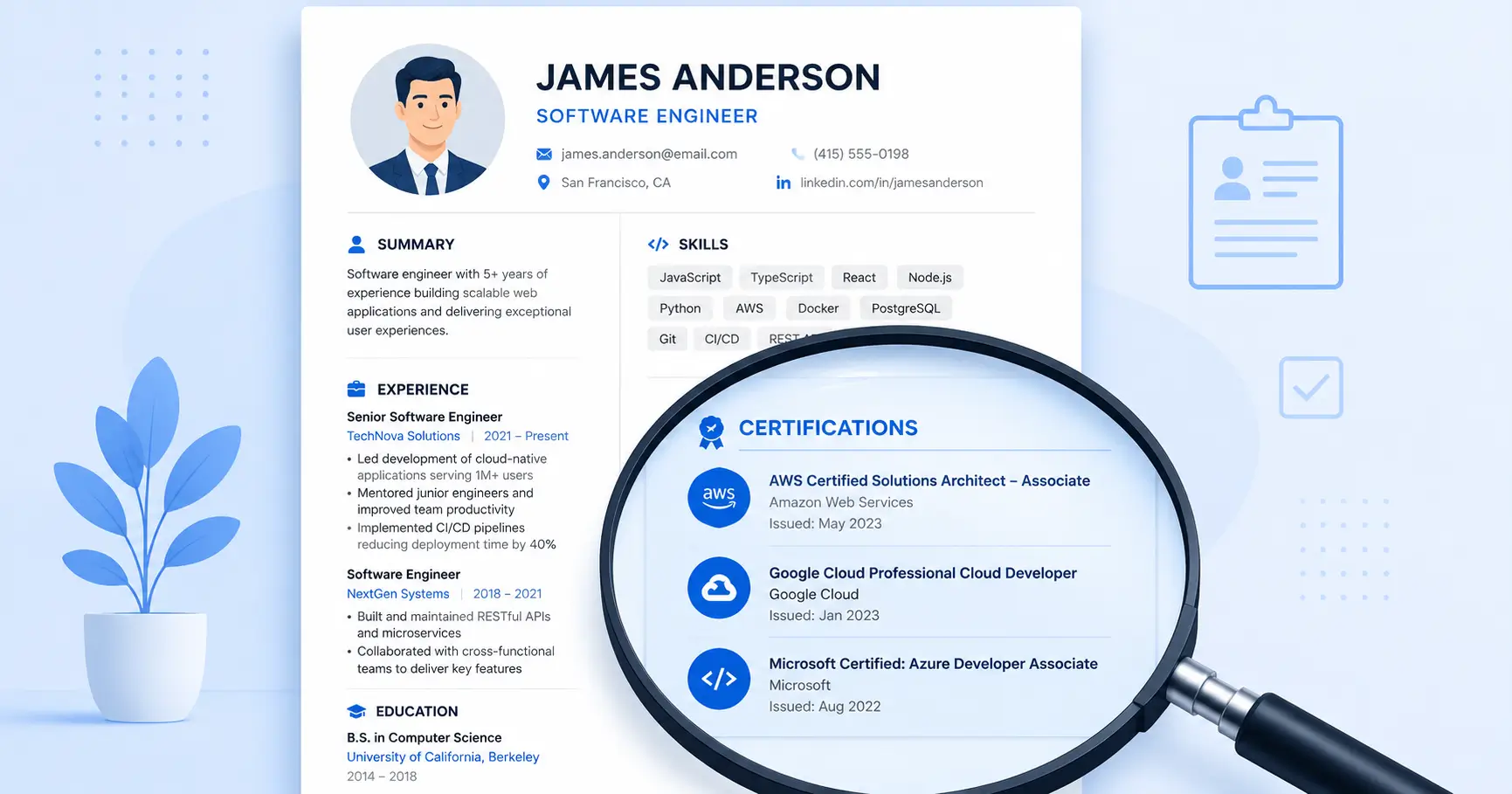
Over half of recruiters use ATS filters specifically for certifications and licenses. That means your PMP, AWS Solutions Architect, or Google Analytics cert isn't just a nice-to-have — it could be the thing that decides whether a human ever reads your resume.
But here's the catch: listing certifications incorrectly can hurt just as much as not listing them at all. Wrong formatting confuses ATS parsers. Poor placement buries your strongest credentials. And mixing up certifications with certificates signals to hiring managers that you don't understand industry standards.
This guide breaks down exactly where to place certifications on your resume, how to format them for both ATS and human readers, and when to include (or exclude) specific credentials. You'll find examples across IT, healthcare, finance, project management, and more.
For a full breakdown of every resume section and how they fit together, check out our complete guide to resume sections.
Certifications vs. Certificates: Why the Distinction Matters
Before you add anything to your resume, you need to understand the difference between a certification and a certificate. Recruiters and hiring managers notice when candidates conflate the two, and it can undermine your credibility.
Certifications are issued by professional associations or accrediting bodies. They require passing a standardized exam, often demand prerequisite experience, and typically need periodic renewal. Think PMP (Project Management Professional), CPA (Certified Public Accountant), or CISSP (Certified Information Systems Security Professional). Certifications validate that you meet an industry-recognized standard of competence.
Certificates, on the other hand, are awarded for completing a course or training program. They might come from a university, an online platform like Coursera or LinkedIn Learning, or a vendor's training program. A Google Data Analytics Certificate or a Harvard Business School Online certificate falls into this category. No standardized exam is required — you finish the coursework, you get the certificate.
Why this matters for your resume:
- Certifications carry more weight with employers and ATS systems, especially when they're from recognized professional bodies
- Certificates are still valuable, but they belong in different contexts — often under Education or Professional Development rather than a dedicated Certifications section
- Mislabeling a certificate as a certification (or vice versa) can raise questions about your attention to detail
Quick rule of thumb: If it required a proctored exam and has a renewal cycle, it's a certification. If you completed a course and received a document, it's a certificate.
Where to Place Certifications on Your Resume
Placement depends on how central the certification is to the role you're targeting. There's no single correct answer — the right spot shifts based on your experience level, industry, and what the job posting emphasizes.
Option 1: Next to Your Name (Header)
If a certification is required for the role or universally recognized in your field, add it after your name in the resume header:
```
Sarah Chen, PMP
Project Manager | sarah.chen@email.com | (555) 123-4567
```
This works for credentials like PMP, CPA, PE (Professional Engineer), RN (Registered Nurse), or CISSP. Recruiters scanning a stack of resumes can confirm your eligibility in under two seconds.
Option 2: Dedicated Certifications Section
When you hold multiple relevant credentials, create a standalone section titled "Certifications," "Certifications & Licenses," or "Professional Certifications." Place this section:
- After Skills if your work experience is your primary selling point
- After Education for a traditional layout
- Before Work Experience if you're entry-level or the certification is the job's core requirement
Option 3: Within the Education Section
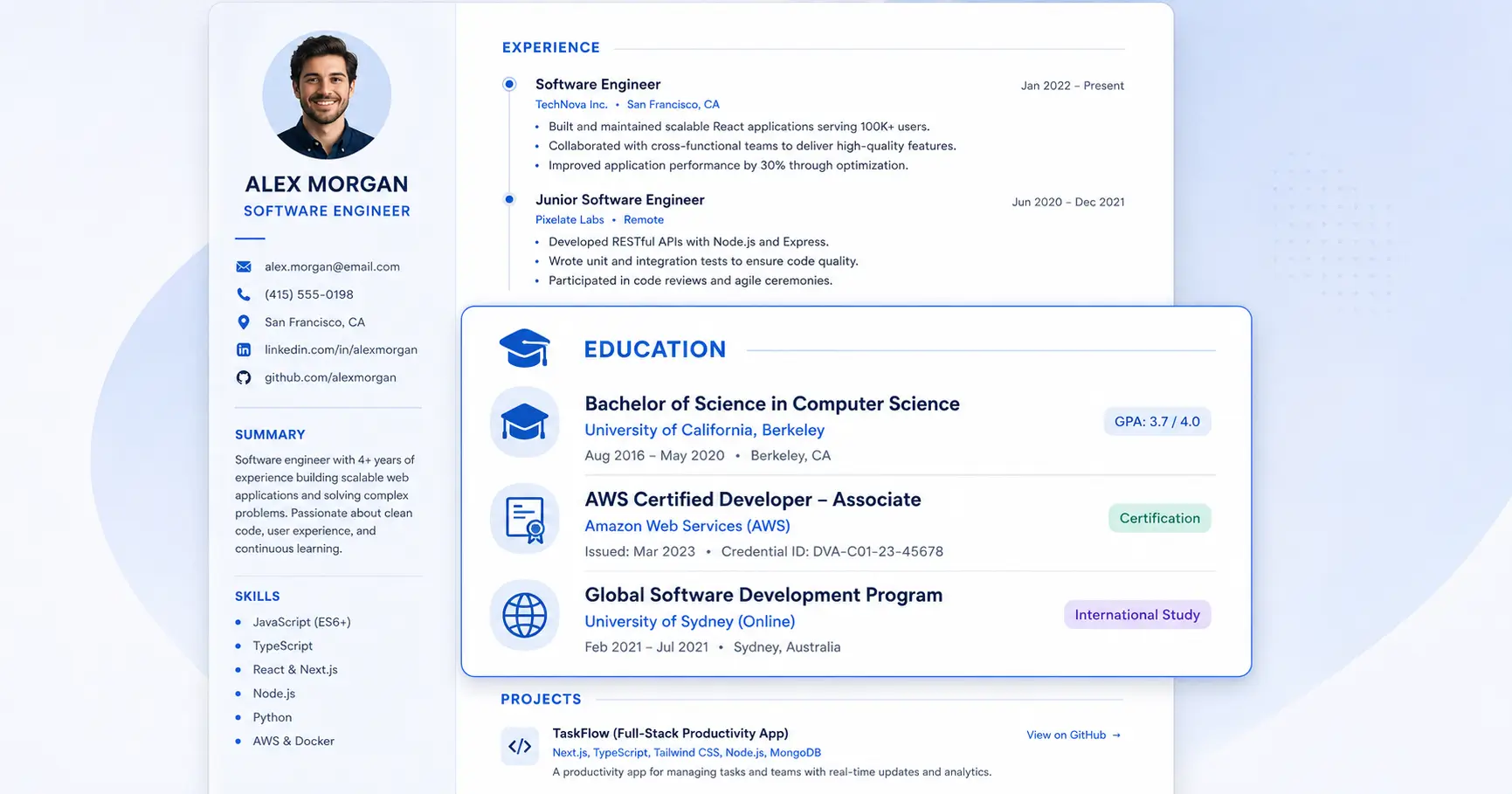
If you hold only one or two certifications and they complement your degree, fold them into an "Education & Certifications" section. This keeps your resume streamlined without creating a section for just one line item.
Option 4: Dual Placement for Critical Credentials
For must-have certifications (the kind listed as "required" in the job posting), use a dual-placement strategy: include the acronym in your header AND list the full details in a dedicated section. This ensures both human reviewers and ATS parsers catch the credential.

How to Format Each Certification Entry
Consistency is everything. Every certification entry should follow the same structure so recruiters can scan quickly and ATS software can parse correctly.
The standard format:
```
Certification Name (Acronym) — Issuing Organization
Earned: Month Year | Expires: Month Year (or "No Expiration")
Credential ID: XXXXXXX (optional)
```
Example entries:
```
Project Management Professional (PMP) — Project Management Institute (PMI)
Earned: March 2024 | Expires: March 2027
AWS Solutions Architect – Associate — Amazon Web Services
Earned: January 2026 | No Expiration
Certified ScrumMaster (CSM) — Scrum Alliance
Earned: September 2025 | Expires: September 2027
```
Formatting rules to follow:
- Write the full name first, then the acronym. "Certified Information Systems Security Professional (CISSP)" ensures ATS catches both the long-form keyword and the abbreviation.
- Always include the issuing organization. "Google Analytics Certified" is vague. "Google Analytics Individual Qualification (GAIQ) — Google" is specific and verifiable.
- Include dates. Month and year earned is the minimum. Add expiration dates for credentials that have them. Omitting dates makes recruiters wonder if the cert is still valid.
- Credential IDs are optional but useful in regulated industries (healthcare, finance, cybersecurity) where employers verify credentials before extending offers.
- List in reverse chronological order — most recently earned certification first.
- Use consistent formatting across all entries. If you bold the certification name in one entry, bold it in every entry.
Seekario's AI Resume Builder automatically formats certification entries with proper ATS-compatible structure, so you don't have to worry about spacing or keyword placement.
Industry-Specific Placement Guidelines
The importance (and ideal placement) of certifications varies dramatically by industry. Here's where to put them for maximum impact:
Technology & IT
Certifications are currency in tech. AWS, Azure, Google Cloud, CompTIA, and Cisco credentials often appear in job requirements. Place them in a dedicated section right after Skills. If the role requires a specific cert (e.g., "AWS Solutions Architect required"), add it to your header too.
High-value certs: AWS Solutions Architect, Azure Administrator, CompTIA Security+, CISSP, Google Professional Cloud Architect, Kubernetes (CKA/CKAD)
Healthcare
Licenses and certifications are non-negotiable. Always include them in both the header and a dedicated section. Use the section title "Licenses & Certifications" to separate state licenses from professional certifications.
High-value certs: BLS/ACLS, Board Certifications, Specialty Nursing Certifications, CPC (Certified Professional Coder)
Finance & Accounting
The CPA, CFA, and CFP designations belong next to your name. Other financial certifications (Series 7, Series 66, FMVA) go in a dedicated section.
High-value certs: CPA, CFA, CFP, Series 7/63/66, FMVA, FRM
Project Management
PMP is the gold standard. List it in your header. Additional Agile, Scrum, or PRINCE2 certifications go in a dedicated section below your experience.
High-value certs: PMP, CAPM, CSM, SAFe Agilist, PRINCE2
Marketing & Digital
Google, HubSpot, and Meta certifications demonstrate platform proficiency. These typically go in a dedicated section after Skills unless the job posting specifically requires them.
High-value certs: Google Ads, Google Analytics (GA4), HubSpot Inbound, Meta Blueprint, Hootsuite
Human Resources
SHRM-CP/SCP and PHR/SPHR belong next to your name for HR-specific roles. Other certs (HRIS platform certifications, compensation certifications) go in a dedicated section.
High-value certs: SHRM-CP, SHRM-SCP, PHR, SPHR, GPHR
ATS Optimization Tips for Certifications
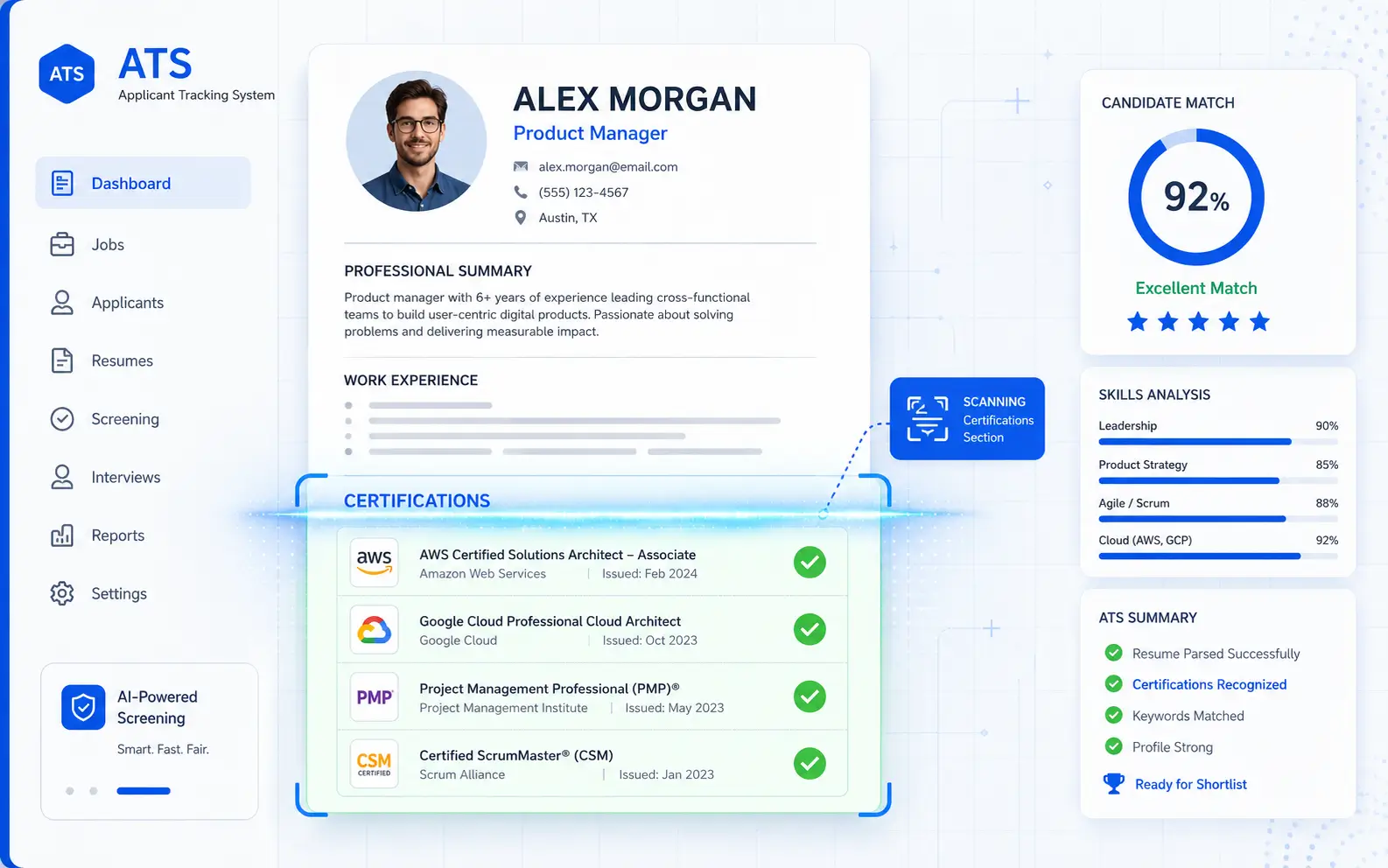
ATS software scans your resume for keywords before a recruiter ever sees it. Getting your certification format right is critical for passing that initial filter.
Match the job posting's language exactly. If the posting says "PMP certification required," your resume should include both "PMP" and "Project Management Professional." ATS systems may search for either the acronym or the full name.
Use a clear section heading. Stick with standard headers: "Certifications," "Certifications & Licenses," or "Professional Certifications." Avoid creative alternatives like "Credentials I'm Proud Of" — ATS parsers won't recognize them.
Avoid tables, columns, or text boxes for your certifications section. Many ATS platforms can't read content inside tables or multi-column layouts. Use a simple, single-column list format.
Don't embed certifications in paragraphs. A certification mentioned casually in a bullet point ("...where I used my PMP training to...") won't be parsed the same way as one listed in a structured section with a recognized heading.
Include both versions of the credential name. Write "Certified Information Systems Security Professional (CISSP)" rather than just "CISSP." This doubles your keyword coverage.
Want to check if your certifications are being picked up correctly? Seekario's AI Resume Checker tool scans your resume the way an ATS would and flags any parsing issues with your credentials section.
How to Handle Expired, In-Progress, and Outdated Certifications
Not every certification on your resume will be current, and that's okay — as long as you handle the situation correctly.
Expired Certifications
Generally, remove expired certifications. An expired credential raises questions about whether you've kept your skills current. However, there are exceptions:
- Recently expired (within 6 months): Include it with a note: "Renewal in progress, expected [Month Year]"
- Well-known certification in a non-regulated field: An expired Google Ads certification might still demonstrate relevant experience, but label it clearly: "Earned: 2023 (not renewed)"
- Regulated industries: Never list expired certifications in healthcare, finance, or legal roles. An expired nursing license or lapsed CPA isn't just unhelpful — it's a red flag
In-Progress Certifications
Currently studying for a certification? Include it:
```
AWS Solutions Architect – Associate — Amazon Web Services
Expected: August 2026
```
This signals initiative and gives the employer a timeline. Just don't list more than one or two in-progress certs — too many "expected" dates suggest you haven't finished anything.
Outdated or Retired Certifications
Some certifications become obsolete when the issuing body retires them (e.g., older Microsoft certifications replaced by new tracks). If the underlying skills are still relevant, consider listing the skill directly in your Skills section instead of referencing a retired credential.
Irrelevant Certifications
A food safety certification won't help your software engineering application. Only include certifications that connect to the target role, demonstrate transferable skills, or fill a gap in your experience. When in doubt, leave it out — every line on your resume should earn its space.
FAQ
How many certifications should I list on my resume?
List all certifications that are relevant to the position you're applying for. For most candidates, that means three to six entries. If you have more than eight relevant certifications, prioritize the most recognized, most recent, and most directly aligned with the job requirements. You can always mention additional credentials in an interview.
Should I list online course certificates (Coursera, LinkedIn Learning) on my resume?
It depends on your experience level and the role. For entry-level candidates or career changers, platform certificates from reputable providers can demonstrate initiative and foundational knowledge. For experienced professionals, they carry less weight than professional certifications. If you include them, place them under "Professional Development" or "Education" rather than "Certifications" to maintain the distinction.
Do certifications go before or after education on a resume?
There's no fixed rule. If certifications are more relevant to the job than your degree, place them first. In regulated industries where specific certifications are mandatory (nursing, accounting, IT security), a dedicated Certifications section before or immediately after Education makes sense. For most other situations, Education comes first, followed by Certifications.
Can certifications make up for a lack of experience?
Certifications won't replace hands-on experience, but they can significantly strengthen a resume that's light on work history. For career changers and entry-level candidates, industry-recognized certifications signal that you've invested in developing relevant skills. Pair certifications with projects, volunteer work, or freelance experience to build a more complete picture. Seekario's AI Resume Builder can help you structure a resume that puts your certifications front and center when experience is limited.
Should I include certification credential IDs on my resume?
Include credential IDs when applying in industries where employers routinely verify certifications — healthcare, cybersecurity, finance, and government contracting are common examples. In other fields, credential IDs are optional and can be provided during the background check phase instead.
Make Your Certifications Count
Your certifications represent real investment — study hours, exam fees, and professional commitment. They deserve to be presented correctly on your resume, not buried in a paragraph or formatted in a way that ATS software can't parse.
Get the distinction between certifications and certificates right. Choose placement based on the role's requirements. Format consistently. And always match the exact language in the job posting.
If you want to build a resume that showcases your certifications with proper ATS formatting and strategic placement, try Seekario's AI Resume Builder. It structures your credentials section to pass ATS filters and catch a recruiter's eye — so your hard-earned certs actually work for you.