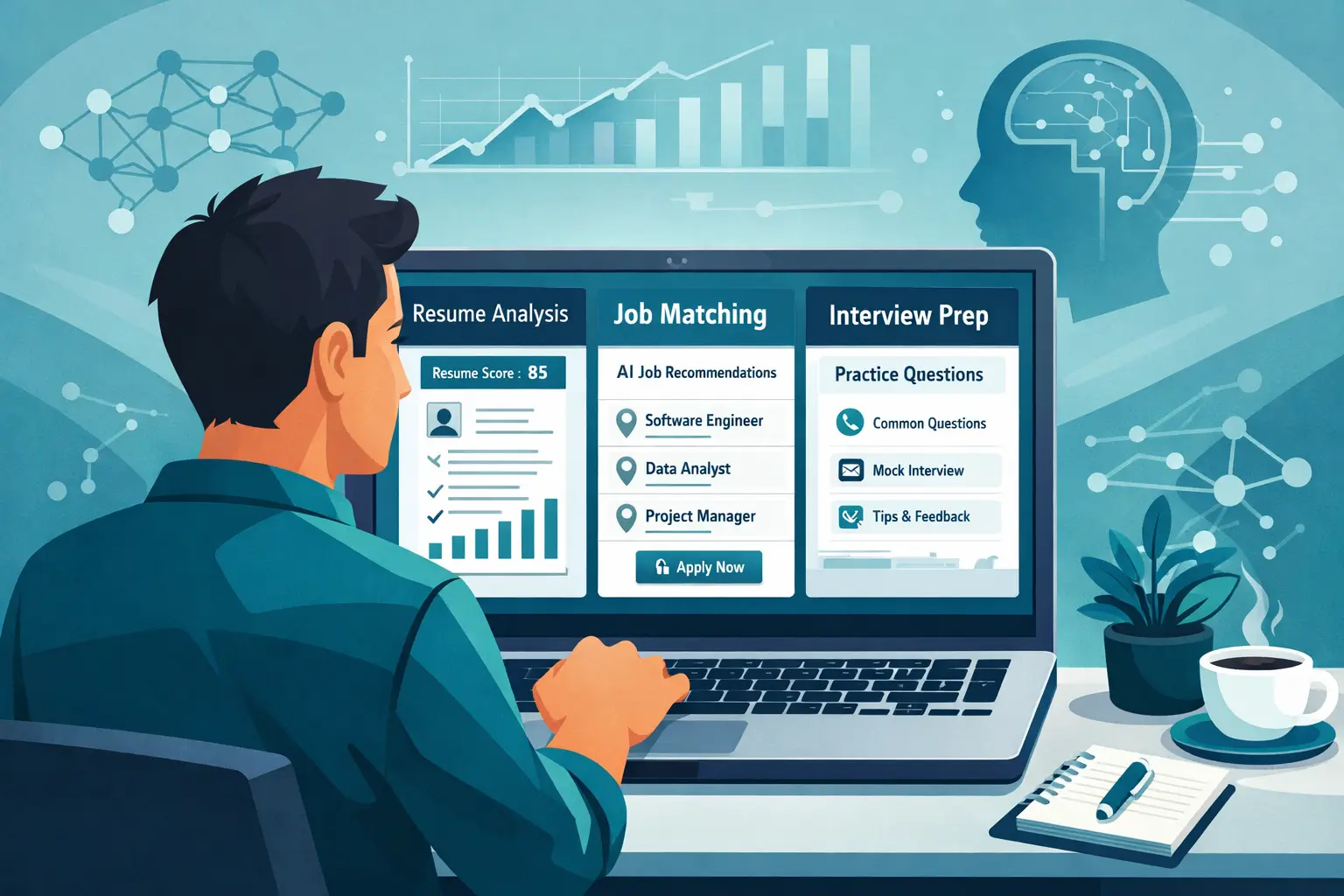
How to Optimize Your LinkedIn Profile for Job Search

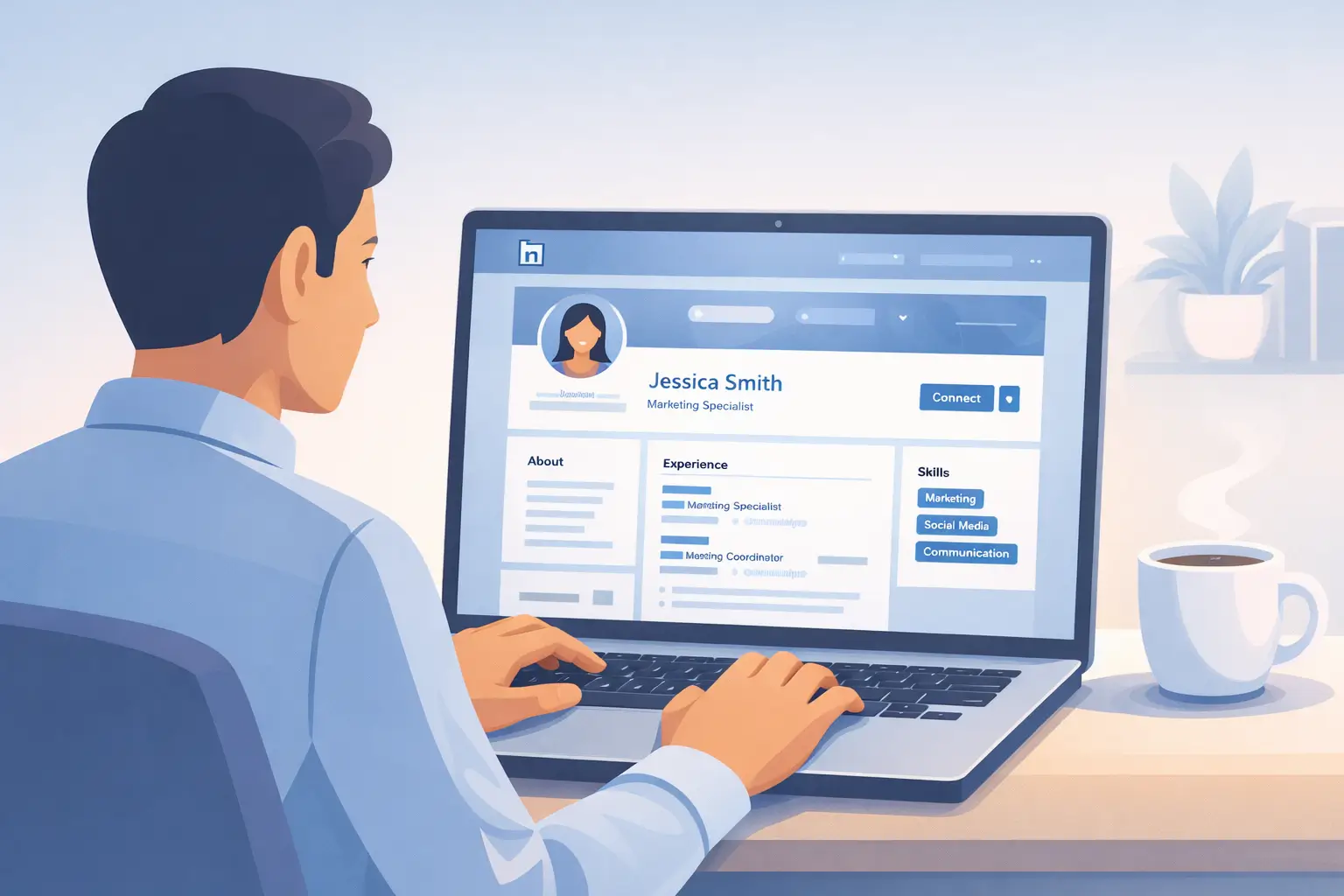
Recruiters spend an average of 7.4 seconds scanning a LinkedIn profile before deciding whether to reach out. That's not a lot of time to make a case for yourself — and it means every section of your profile needs to work hard.
Here's what most job seekers get wrong: they treat LinkedIn like an online resume. Copy-paste their work history, upload a headshot, and wait for recruiters to come knocking. But LinkedIn's algorithm doesn't work like a resume sitting in someone's inbox. It's a search engine. And like any search engine, the profiles that show up first are the ones optimized for the right signals.
With over one billion members on the platform and 95% of recruiters using LinkedIn as their primary sourcing tool, a poorly optimized profile means you're invisible to the people who could hire you. This guide breaks down exactly how to fix that — section by section.
Why LinkedIn Profile Optimization Matters for Your Job Search
LinkedIn isn't a passive job board. It's an active search platform where recruiters hunt for candidates using specific keywords, filters, and criteria.
When a recruiter searches for "senior data analyst" in Chicago, LinkedIn's algorithm decides which profiles appear on page one. That decision comes down to profile completeness, keyword relevance, connection strength, and engagement activity. If your profile doesn't hit these signals, you won't appear in results — no matter how qualified you are.
The numbers back this up. Complete LinkedIn profiles receive 40 times more opportunities than incomplete ones. Profiles with professional photos get 14 times more views. And profiles listing at least five skills receive up to 17 times more profile views from recruiters.
This isn't about gaming an algorithm. It's about making sure the platform accurately represents your skills and experience to the people searching for them.
Start With Your Profile Photo and Banner
Your photo is the first thing anyone sees. Profiles without photos are essentially invisible — recruiters routinely skip them because a missing photo signals an inactive or unserious account.
For your profile photo:
- Use a recent, high-quality headshot where your face takes up about 60% of the frame
- Choose a plain or lightly blurred background that doesn't distract
- Wear what you'd wear to an interview in your industry
- Make sure the lighting is even and natural — no harsh shadows or dark rooms
- Smile. Approachable photos get more engagement than stern expressions
For your banner image, skip the default blue gradient. Use this space to reinforce your professional brand. Options include a simple graphic with your specialty or tagline, an image related to your industry, or a clean design that complements your headshot.
Your banner is free real estate. Use it to communicate what you do at a glance.
Write a Headline That Recruiters Actually Search For
Your headline is the most important text on your entire profile. It appears in search results, connection requests, comments you leave on posts, and messages you send. LinkedIn gives you 220 characters — use them strategically.
The default headline is just your job title and company. That's a missed opportunity. Recruiters search by skills and specialties, not just titles.
Weak headline: "Marketing Manager at ABC Company"
Strong headline: "Marketing Manager | B2B SaaS Growth Strategy | Demand Generation & Content Marketing"
The strong version includes the job title for context, but also adds searchable keywords that recruiters actually type into LinkedIn's search bar. It tells both the algorithm and the human what you bring to the table.
Tips for writing your headline:
- Lead with your target role or current title
- Add two to three skill-based keywords separated by pipes or bullet points
- Include your industry or niche if it's relevant to your search
- Skip buzzwords like "passionate" or "results-driven" — they waste character space and add no search value
- If you're actively looking, consider adding "Open to New Opportunities" at the end
Tools like Seekario's AI LinkedIn Optimizer can analyze your target roles and suggest headline keywords based on what recruiters in your field search for most.
Craft an About Section That Tells Your Story
The About section (formerly the Summary) gives you 2,600 characters to make your case. Most people either skip it entirely or write a bland paragraph about being a "team player." Both approaches waste valuable real estate.
Think of your About section as a cover letter for your LinkedIn profile. It should answer three questions: What do you do? What are you great at? What are you looking for?
Structure that works:
Opening hook (2-3 sentences): Start with something specific about what you do and the impact you create. Avoid generic openers.
Experience overview (3-4 sentences): Highlight your career trajectory and areas of expertise. Include specific skills and keywords that match your target roles.
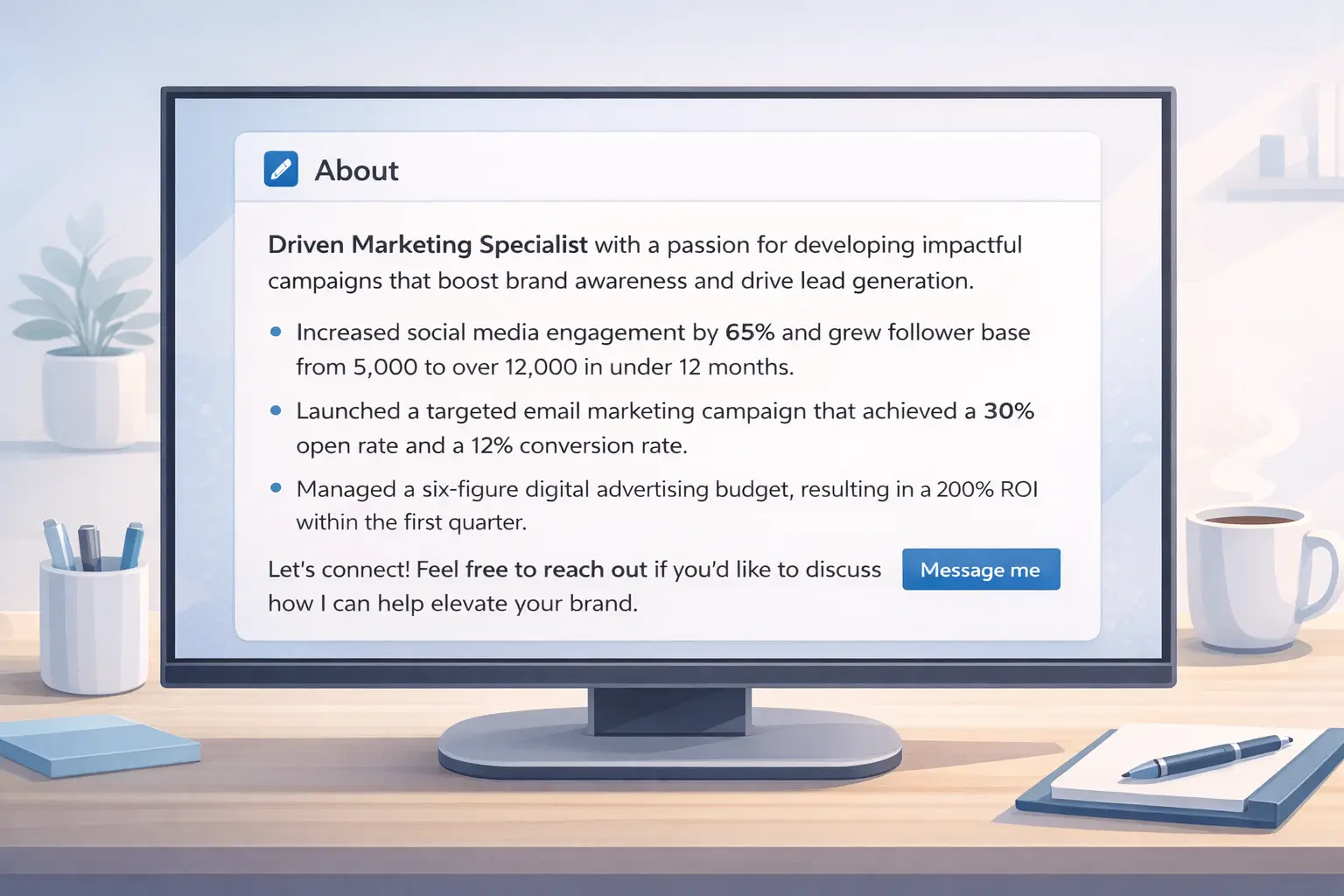
Key achievements (2-3 bullet points): Drop in your most impressive, quantifiable wins. Numbers catch the eye when someone is skimming.
What you're looking for (1-2 sentences): If you're job searching, state the types of roles or industries you're exploring. This helps recruiters self-select.
Call to action (1 sentence): Invite people to connect, message you, or check out your portfolio.
Write in first person. It feels more authentic than third person and creates a stronger connection with readers.
Optimize Your Experience Section for Search and Impact
Your experience section does double duty: it feeds LinkedIn's search algorithm with keywords, and it gives recruiters evidence that you can deliver results.
Most profiles list responsibilities. Strong profiles highlight achievements. The difference matters.
Instead of: "Managed a team of five sales representatives"
Write: "Led a 5-person sales team that exceeded quarterly targets by 23%, generating $2.1M in new revenue"
For each role, include three to five bullet points following this format:
- Start with a strong action verb
- Describe the challenge or context briefly
- Quantify the result with a specific metric
Weave in keywords naturally throughout your descriptions. If your target roles mention "project management," "stakeholder communication," or "data analysis," those phrases should appear in your experience section — but only where they genuinely apply.
One common mistake: only describing your most recent role in detail and leaving older positions bare. Recruiters search across your entire profile, so add keywords and context to every role, especially if older positions are relevant to your current job search.
This is where having a strong resume helps. If you've already built a tailored resume using a tool like Seekario's AI Resume Builder, you can adapt that content for LinkedIn — adjusting the tone to be slightly more conversational while keeping the keywords consistent across both platforms.
Master LinkedIn Keywords
Keywords are the engine behind LinkedIn search visibility. Recruiters type specific terms into LinkedIn's search bar, and the algorithm matches those terms against profile content.
How to find the right keywords:
- Pull up 10 to 15 job descriptions for roles you want
- Identify the skills, tools, and qualifications that appear repeatedly
- Note both the exact phrases and variations (e.g., "project management" and "managing projects")
- Prioritize hard skills and technical terms over soft skills
Where to place keywords:
- Headline — highest weight in search rankings
- About section — strong influence on search visibility
- Experience descriptions — reinforces relevance across your career
- Skills section — directly searchable and filterable
- Job title fields — use standardized titles that match common search terms
Don't stuff keywords unnaturally. LinkedIn's algorithm has gotten smarter about context, and recruiters will notice if your profile reads like a keyword list. The goal is to integrate relevant terms into genuine descriptions of your work.
If you're unsure which keywords matter most for your target roles, Seekario's AI Resume Assessment tool can analyze job descriptions and identify the highest-value terms — useful for both your resume and your LinkedIn profile.
Build a Skills Section That Recruiters Filter By
Over half of recruiters use LinkedIn's skills filters to narrow candidate searches. Your skills section directly affects whether you appear in these filtered results.
LinkedIn lets you add up to 50 skills, and you should aim to use as many relevant slots as possible. Your top three skills are displayed prominently on your profile, so choose those carefully.
How to prioritize skills:
- Pin the three skills most relevant to your target role at the top
- Include a mix of hard skills (Python, financial modeling, UX design) and soft skills (leadership, strategic planning)
- Match your skills to the terms you found in your keyword research
- Remove outdated skills that no longer align with your career direction
Endorsements matter more than you think. Profiles with five or more endorsements per skill rank higher in recruiter searches. The simplest way to get endorsements is to give them first — endorse colleagues for skills you've genuinely seen them demonstrate, and many will reciprocate.
Take a skills assessment test on LinkedIn for your top skills. Passing one earns a badge on your profile, which boosts credibility and search ranking.
Get Recommendations That Build Credibility
Recommendations provide social proof that your skills and work ethic are real. While endorsements are quick clicks, recommendations are written testimonials — and recruiters notice them.
How to get quality recommendations:
- Ask former managers, colleagues, or clients who can speak to specific projects
- Make the request easy by suggesting what they might mention (a project, a skill, a result)
- Aim for three to five recommendations total, ideally spanning different roles or relationships
- Write recommendations for others first — it often prompts them to return the favor
A recommendation that says "Drove our product launch from concept to market in six months, coordinating across five departments" carries more weight than "Great to work with, highly recommend."
Use the Open to Work Feature Strategically
LinkedIn's "Open to Work" feature lets recruiters know you're available without broadcasting it to your entire network. You can choose between a public badge (visible to everyone) or a private signal (visible only to recruiters).
When to use the public badge:
- You've already left your previous role
- You're comfortable with your current employer knowing you're looking
- You want maximum visibility
When to use the private signal:
- You're employed and searching discreetly
- You want recruiters to find you without alerting your current company
Set specific preferences for job titles, locations, workplace types (remote, hybrid, on-site), and start date. The more detailed your preferences, the better LinkedIn's algorithm can match you with relevant opportunities.
Customize Your Profile URL
LinkedIn automatically generates a URL with random numbers and characters. A custom URL looks more professional on your resume, email signature, and business cards.
Go to your profile settings and edit your public profile URL. Use your name if it's available (linkedin.com/in/yourname), or add a middle initial or professional qualifier if it's taken.
This small change takes 30 seconds and makes your profile easier to share and find.
Stay Active to Boost Your Visibility
LinkedIn's algorithm rewards engagement. Profiles that post, comment, and share content appear more frequently in search results and news feeds.
You don't need to become a LinkedIn influencer. Consistent, modest activity is enough.
Quick wins for staying active:
- Share one post per week about your industry, a lesson learned, or an article you found valuable
- Comment thoughtfully on posts from people in your target industry
- React to updates from companies you're interested in
- Publish occasional longer posts about projects you've worked on or trends you've observed
- Reshare job-relevant content with your own brief takeaway
Engagement builds visibility and also gives recruiters evidence that you're active, current, and invested in your field. A dormant profile suggests someone who isn't paying attention to their career trajectory.
Align Your LinkedIn Profile With Your Resume
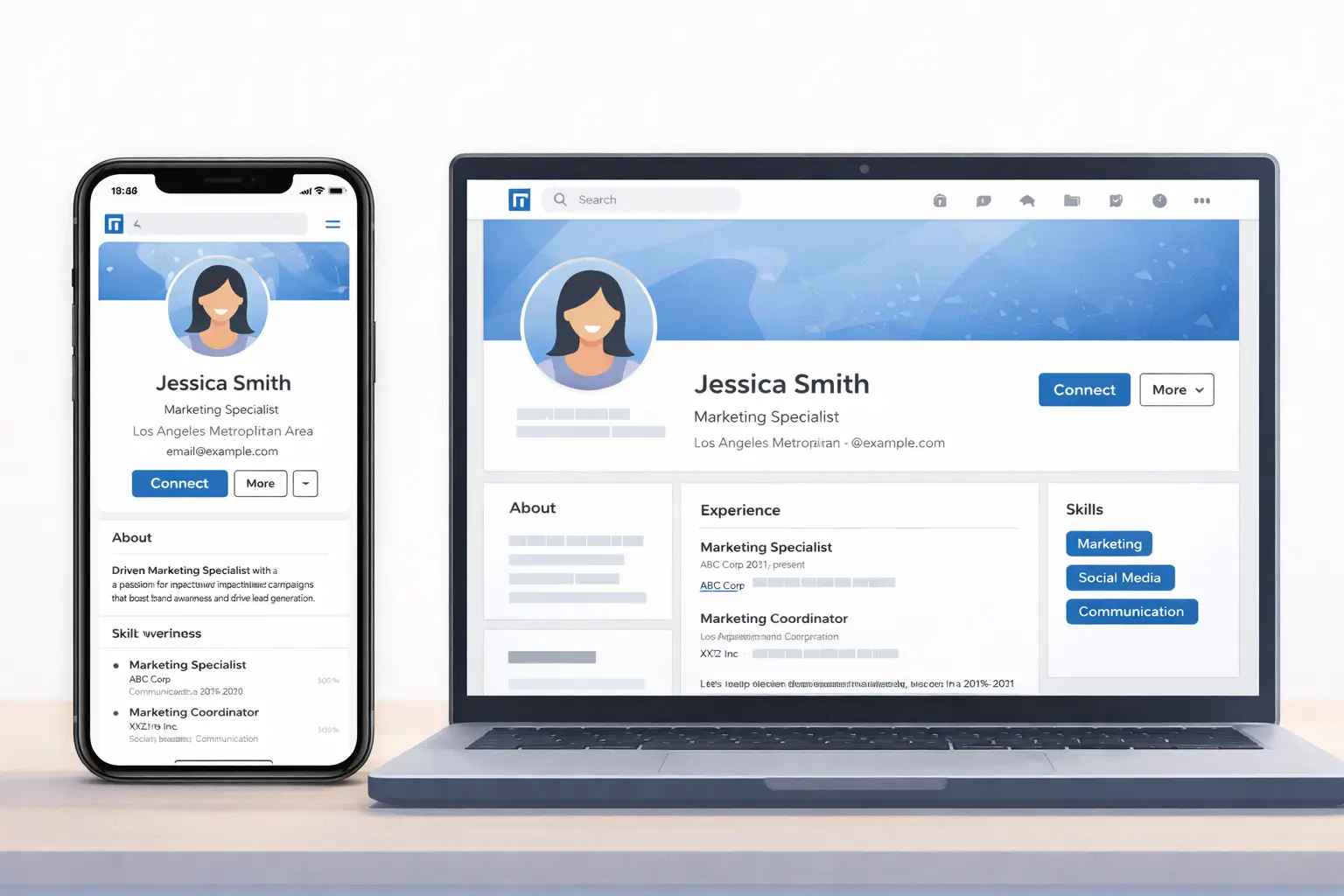
Your LinkedIn profile and resume should tell the same story — but they don't need to be identical. LinkedIn allows for a more conversational tone, more detail in your About section, and the ability to showcase projects, publications, and volunteer work that might not fit on a one-page resume.
What should be consistent across both:
- Job titles and employment dates
- Key achievements and metrics
- Core skills and keywords
- Your career narrative and positioning
If you're tailoring your resume for specific roles using a tool like Seekario's AI Resume Tailor, use your LinkedIn profile as the comprehensive version of your professional story — and your resume as the targeted version for each specific application.
FAQ
How often should I update my LinkedIn profile?
Review your profile every time you start a new job search, complete a major project, learn a new skill, or change roles. At minimum, update it quarterly to keep your skills section current and your experience descriptions fresh. Even small updates signal to the algorithm that your profile is active.
Does the "Open to Work" badge hurt my chances?
No. Research consistently shows that recruiters respond positively to the Open to Work signal. The private setting ensures only recruiters see your availability. If you're concerned about perception, use the private option — it's visible to recruiters but not to your connections or current employer.
How many connections do I need for LinkedIn to be effective?
Aim for at least 500 connections to appear as "500+" on your profile, which is a common credibility threshold. More importantly, focus on the quality of your network — connect with people in your target industry, former colleagues, and recruiters who specialize in your field.
Should I accept connection requests from recruiters I don't know?
Generally, yes. Recruiters expand your network reach and may bring opportunities. When accepting, send a brief message introducing yourself and mentioning what roles interest you. This turns a passive connection into an active conversation.
Can AI tools help optimize my LinkedIn profile?
Absolutely. AI tools can analyze your profile against job descriptions, suggest keyword improvements, and help you write stronger headlines and summaries. Seekario's AI LinkedIn Optimizer is designed specifically for this purpose — it identifies gaps in your profile and recommends changes that improve your visibility to recruiters.
Make Your Profile Work While You Sleep
An optimized LinkedIn profile is a 24/7 recruiting tool. It works for you around the clock — surfacing your name in recruiter searches, attracting inbound messages, and building your professional reputation even when you're not actively applying.
The changes outlined here take an afternoon to implement. But the payoff compounds over time as your profile climbs in search rankings and more recruiters discover your work.
Start with your headline and About section — those two changes alone can dramatically increase your visibility. Then work through your experience, skills, and activity over the next few days.
And if you want to make sure your resume matches the story your LinkedIn profile tells, Seekario's AI Resume Builder helps you create consistent, keyword-optimized documents that work together to land more interviews.