Teal vs Seekario: Which AI Resume Tool Is Right for You?

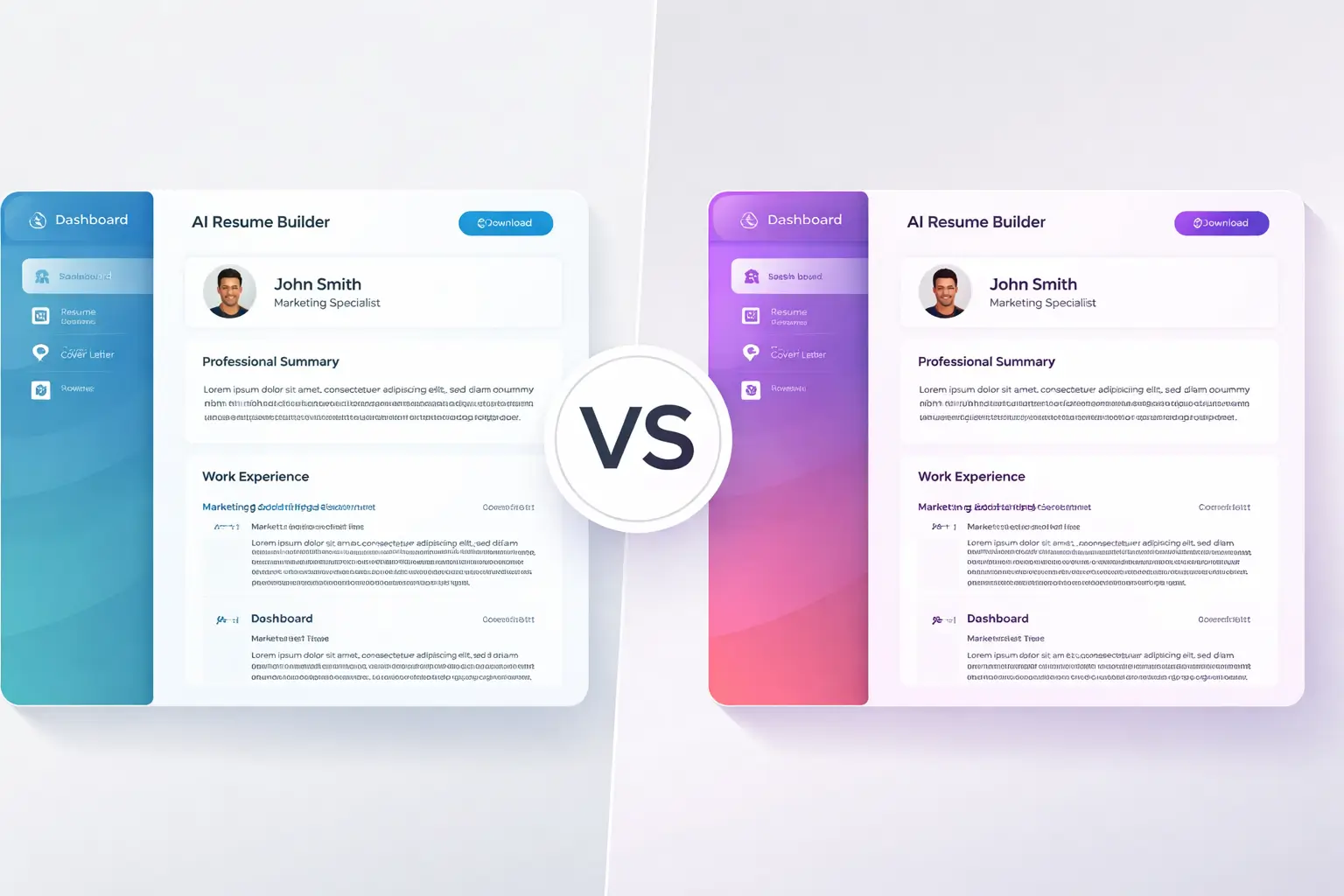
Picking the right AI resume tool can shave weeks off your job search. Two platforms that keep showing up in 2026 conversations are Teal (sometimes called Teal HQ) and Seekario. Both promise AI-powered resume building, job tracking, and smarter applications — but they take very different approaches to getting you hired.
This head-to-head comparison breaks down features, pricing, AI quality, and overall value so you can decide which tool fits your goals and budget.
What Is Teal?
Teal (tealhq.com) launched as a job tracking tool and expanded into resume building. It combines a Chrome extension for saving job listings with an AI-powered resume editor. Teal's core pitch is "one platform for your entire job search," and it offers a generous free tier that lets you create unlimited resumes and track unlimited jobs.
Key Teal features include a resume builder with AI bullet generation, a job match score that compares your resume against a posting, a built-in job tracker with a Chrome extension that works across 40+ job boards, and an AI cover letter tool.
What Is Seekario?
Seekario is an AI-first job search platform built around deep resume intelligence. Rather than starting as a job tracker and bolting on AI, Seekario was designed from the ground up to use AI across every stage of your application — from building and tailoring your resume to prepping for interviews.
Seekario's core tools include an AI Resume Builder with voice-to-text input, an AI Resume Tailor that customizes your resume for each job description, an AI Resume Scanner tool that scores and provides actionable feedback, an AI Cover Letter Generator, and an AI Interview Prep tool with mock interviews.
Feature-by-Feature Comparison
Let's look at how Teal and Seekario stack up across the features that matter most during a job search.
Resume Building
Teal's resume builder lets you import your LinkedIn profile and manually add experience, then use AI to generate bullet points and summaries. The editor is straightforward, and you can create unlimited resume versions on the free plan.
Seekario's AI Resume Builder goes a step further with a voice-to-text feature. Instead of typing out your experience, you can talk through your accomplishments and the AI translates your spoken stories into polished, quantified bullet points using the STAR method. This makes resume creation faster — especially if you struggle with writing about yourself.
Edge: Seekario, for its voice input and STAR-method bullet generation.
Resume Tailoring
Teal provides a match score that shows how well your resume aligns with a job description and highlights missing keywords. You then manually adjust your resume based on those suggestions.
Seekario's AI Resume Tailor takes a more hands-off approach. Paste a job description and it automatically rewrites and reorganizes your resume to emphasize the skills and achievements that match. It integrates keywords naturally instead of just flagging them, and it reframes your accomplishments with quantifiable impact.
Edge: Seekario, for automated tailoring rather than manual keyword insertion.
ATS Optimization
Both tools emphasize ATS compatibility. Teal runs 15 structural checks and gives you a 0–100% match score. Seekario's AI Resume Scanner analyzes content depth, keyword alignment, formatting, and gaps — then provides specific fix-it suggestions rather than just a score.
Edge: Tie. Both deliver ATS feedback, though Seekario's suggestions are more actionable.
Cover Letter Generation
Teal includes an AI cover letter tool in its premium tier. It generates letters based on your resume and a job description, but reviews suggest the output can feel templated.
Seekario's AI Cover Letter Generator creates personalized cover letters that pull specific achievements from your resume and connect them to the role's requirements. The result reads less like a form letter and more like something a career coach helped you draft.
Edge: Seekario, for personalization quality.
Interview Preparation
Teal does not offer interview preparation tools. If you need mock interviews or question practice, you'll need a separate service.
Seekario includes an AI Interview Prep tool that acts as a practice partner. It generates role-specific questions, lets you rehearse answers, and gives feedback on your responses. Having this built into the same platform where you build your resume means the AI already understands your experience and the roles you're targeting.
Edge: Seekario — this feature doesn't exist in Teal.
Job Tracking
Teal's job tracker is one of its strongest features. The Chrome extension lets you save jobs from 40+ boards with a single click, and the built-in CRM helps you track application status, contacts, and notes. It's well-designed and included free.
Seekario offers a Job Tracker with Kanban board for managing applications visually. It's functional, though Teal's Chrome extension gives it an edge for quickly saving listings while browsing.
Edge: Teal, for its mature Chrome extension and CRM-style tracking.
LinkedIn Optimization
Teal can import your LinkedIn profile into its resume builder, but it doesn't offer tools to optimize your LinkedIn presence.
Seekario includes an AI LinkedIn Optimizer that transforms your resume into a keyword-optimized LinkedIn profile designed to attract recruiters. Since many recruiters source candidates directly on LinkedIn, this is a meaningful addition.
Edge: Seekario.
Pricing Comparison
Teal Free Plan: Unlimited resumes, unlimited job tracking, 10 templates, limited AI credits. PDF export only.
Teal+ (Premium):** $13/week, $29/month, or $79/quarter. No annual option. At the weekly rate, that's roughly $676/year — which adds up fast if your search takes a few months.
Seekario: Offers a free tier with core features and affordable premium plans that include full access to all AI tools — resume building, tailoring, assessment, cover letters, interview prep, and LinkedIn optimization. Seekario's pricing is designed for job seekers who need the full toolkit without paying enterprise rates.
The key pricing difference: Teal's weekly billing option makes it look cheap upfront but costs significantly more over time. Seekario bundles more AI tools (interview prep, LinkedIn optimization, resume assessment) into its plans, which means fewer add-on costs.
AI Quality: How Smart Is Each Tool?
Not all AI resume tools are equal under the hood. The quality of AI-generated content matters because hiring managers — and increasingly, ATS systems — can detect generic, template-sounding language.
Teal's AI bullet generator produces functional content, but multiple reviews note that the output tends toward generic phrasing. The AI sometimes pulls details from imported job descriptions rather than your actual experience, which means you need to carefully review and edit every suggestion. For users comfortable with heavy editing, this works. For those who want polished output quickly, it can slow things down.
Seekario's AI uses the STAR method (Situation, Task, Action, Result) to structure achievements, which produces more specific and impactful bullet points. The voice-to-text feature also improves AI quality — when you talk through an accomplishment naturally, the AI captures details and nuances that get lost when you try to type a formal bullet point from scratch.
For cover letters, the difference is similar. Teal's cover letter tool generates serviceable drafts that need personalization. Seekario's AI Cover Letter Generator produces more role-specific content because it cross-references your resume data with the job description, resulting in letters that reference your actual achievements rather than generic placeholders.
Ease of Use and Learning Curve
Both platforms are web-based and don't require software installation. Teal has a slightly steeper learning curve because it packs many features (job tracking, resume building, contacts, notes) into one dashboard. New users sometimes spend time figuring out where everything lives before they start building a resume.
Seekario takes a more guided approach. The interface walks you through each step — upload or build your resume, paste a job description, and let the AI do its work. The voice-to-text feature also lowers the barrier for people who find staring at a blank resume editor intimidating.
For team or cohort use (career centers, bootcamps), Seekario's streamlined flow tends to require less onboarding.
Template Design and Export Options
Teal offers around 10 templates on the free plan, with more unlocked on Teal+. Reviews note that the designs are clean but somewhat plain, and customization options are limited unless you upgrade. Export is PDF-only — you can't download a .docx file for quick edits in Word or Google Docs.
Seekario provides modern, ATS-friendly templates with more flexibility in formatting. The focus is on clean designs that look professional to human readers while passing automated scans.
Who Should Choose Teal?
Teal is a solid choice if you prioritize job tracking above all else. The Chrome extension is genuinely useful for saving and organizing listings from multiple job boards. If you already have a strong resume and mainly need a central place to manage applications, Teal's free tier covers a lot of ground.
Teal also works well for job seekers who prefer a manual approach — reviewing keyword suggestions and making edits themselves rather than letting AI rewrite their resume.
Who Should Choose Seekario?
Seekario is the better fit if you want AI doing the heavy lifting across your entire application process. From building your first draft with voice input, to auto-tailoring for each role, to practicing interview questions — Seekario keeps everything connected under one AI engine.
It's particularly strong for career changers who need help reframing their experience, job seekers applying to many roles who need fast, personalized tailoring, anyone who wants interview prep integrated with their resume data, and professionals who want their LinkedIn profile optimized alongside their resume.
The Verdict
Teal and Seekario serve overlapping but different needs. Teal excels as a job search organizer with resume tools attached. Seekario excels as an AI-powered application engine with job management included.
If your biggest pain point is tracking dozens of applications across job boards, start with Teal. If your biggest pain point is creating tailored, high-quality applications quickly — and you want interview prep and LinkedIn optimization baked in — Seekario gives you more value per dollar.
For most job seekers in 2026 who are actively applying and need speed, personalization, and end-to-end AI support, Seekario covers more ground.
FAQ
Is Teal really free?
Teal's free plan includes unlimited resumes and job tracking, which is genuinely useful. However, the AI features that make the tool powerful — like bullet generation, match scoring, and the cover letter tool — require Teal+ at $29/month or $79/quarter. The free plan gives you a taste, but most serious users end up upgrading.
Does Seekario work with ATS systems?
Yes. Seekario's AI Resume Scanner specifically checks your resume for ATS compatibility, and its templates are designed to pass automated scans. The tailoring tool also integrates job-description keywords in a natural way that satisfies both ATS algorithms and human reviewers.
Can I use both Teal and Seekario together?
You could use Teal's Chrome extension for job tracking while using Seekario for resume building, tailoring, and interview prep. That said, Seekario's built-in Job tracker may make running two platforms unnecessary.
Which tool is better for career changers?
Seekario has a clear advantage here. Its AI Resume Tailor can reframe your existing experience to match new target roles, and the voice-to-text builder helps you articulate transferable skills you might struggle to write about. Teal's keyword matching helps, but it doesn't rewrite content for you.
Is Teal worth the price in 2026?
At $29/month, Teal+ is reasonable for a short, focused job search. But the $13/week option can get expensive quickly, and Teal lacks interview prep and LinkedIn tools. If you need those features, you'd pay for Teal plus additional services — making Seekario's all-in-one pricing more economical overall.


